
Guides
Learn Coeffection, step by step
Friendly, step-by-step tutorials for setting up pipelines, reports, dashboards, communication, and integrations.
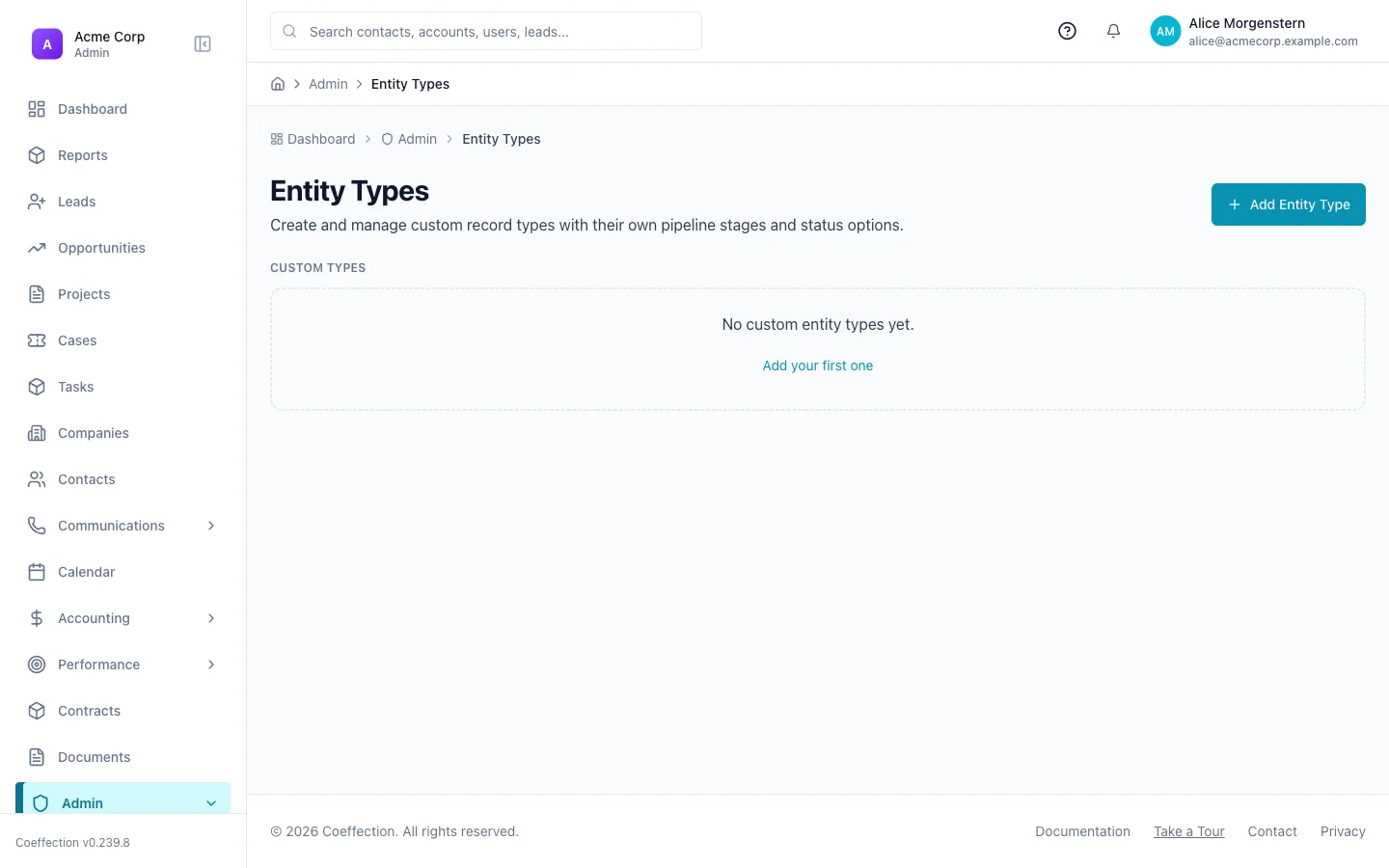
Entities & Pipelines
Model your business objects and move work through custom stages.
8 min · Beginner
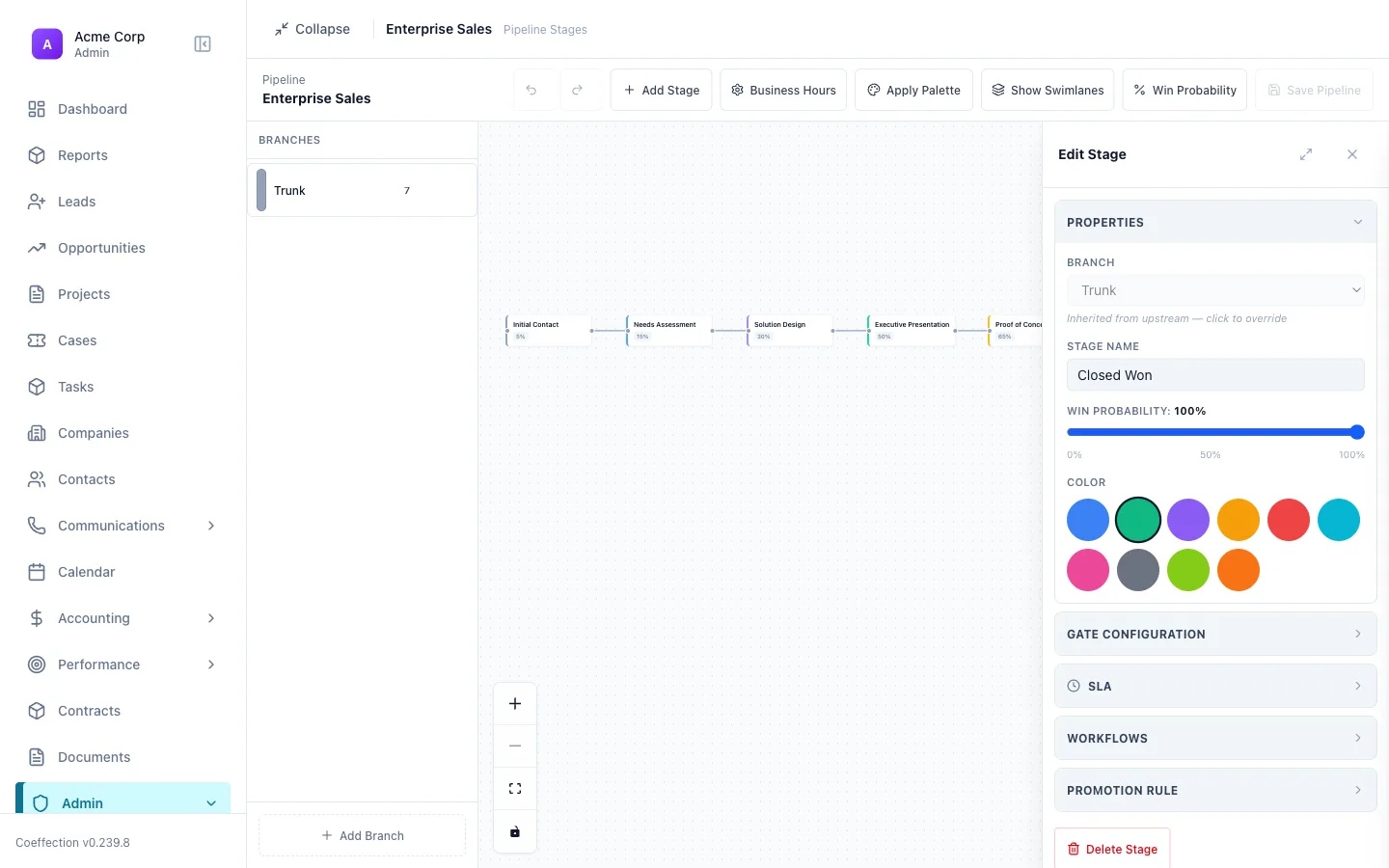
Pipeline Promotions
Promote a record from one pipeline to the next when it's ready.
6 min · Intermediate
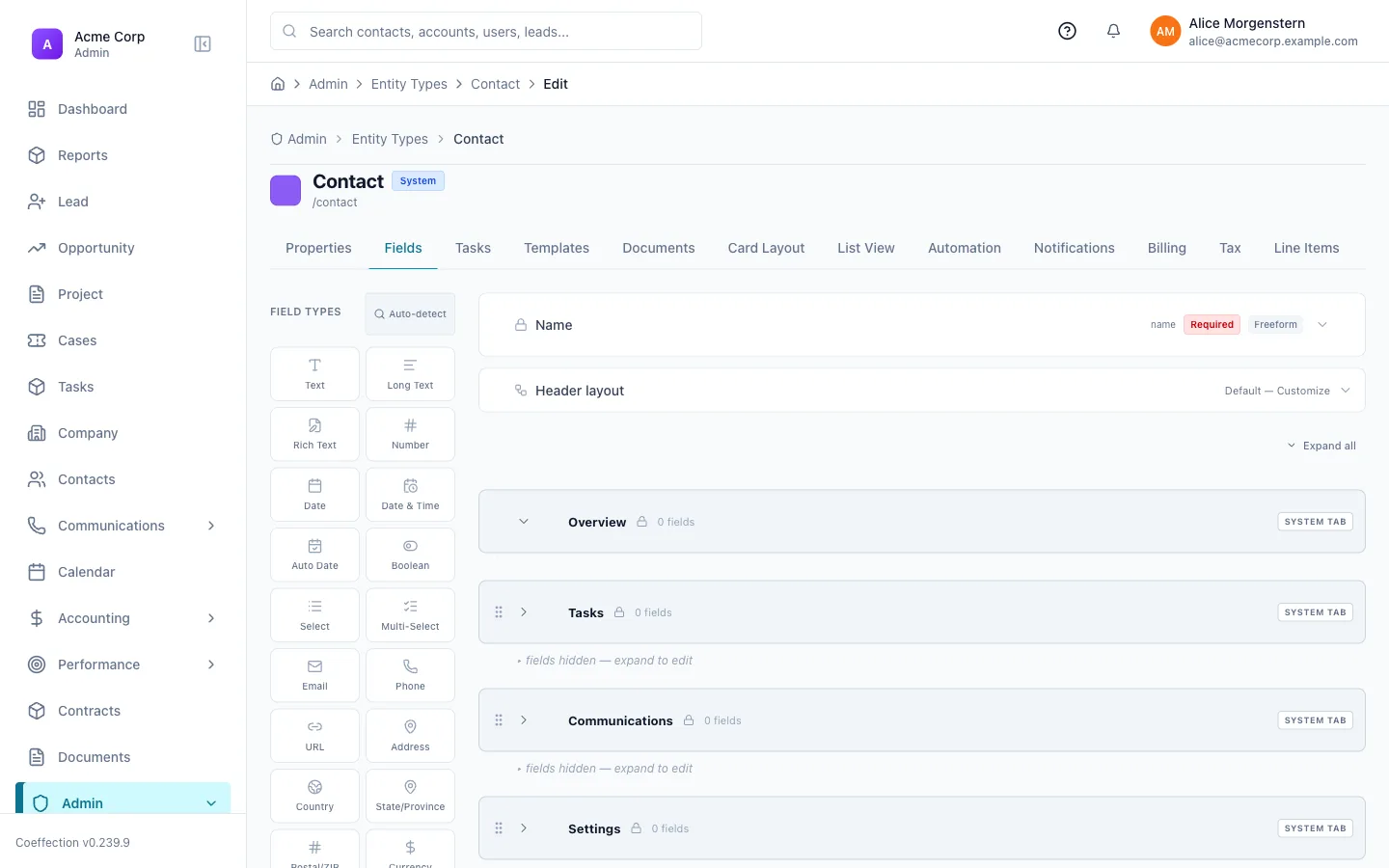
Relationships with Different Fields
Link records together and choose the right field type for each connection.
7 min · Intermediate
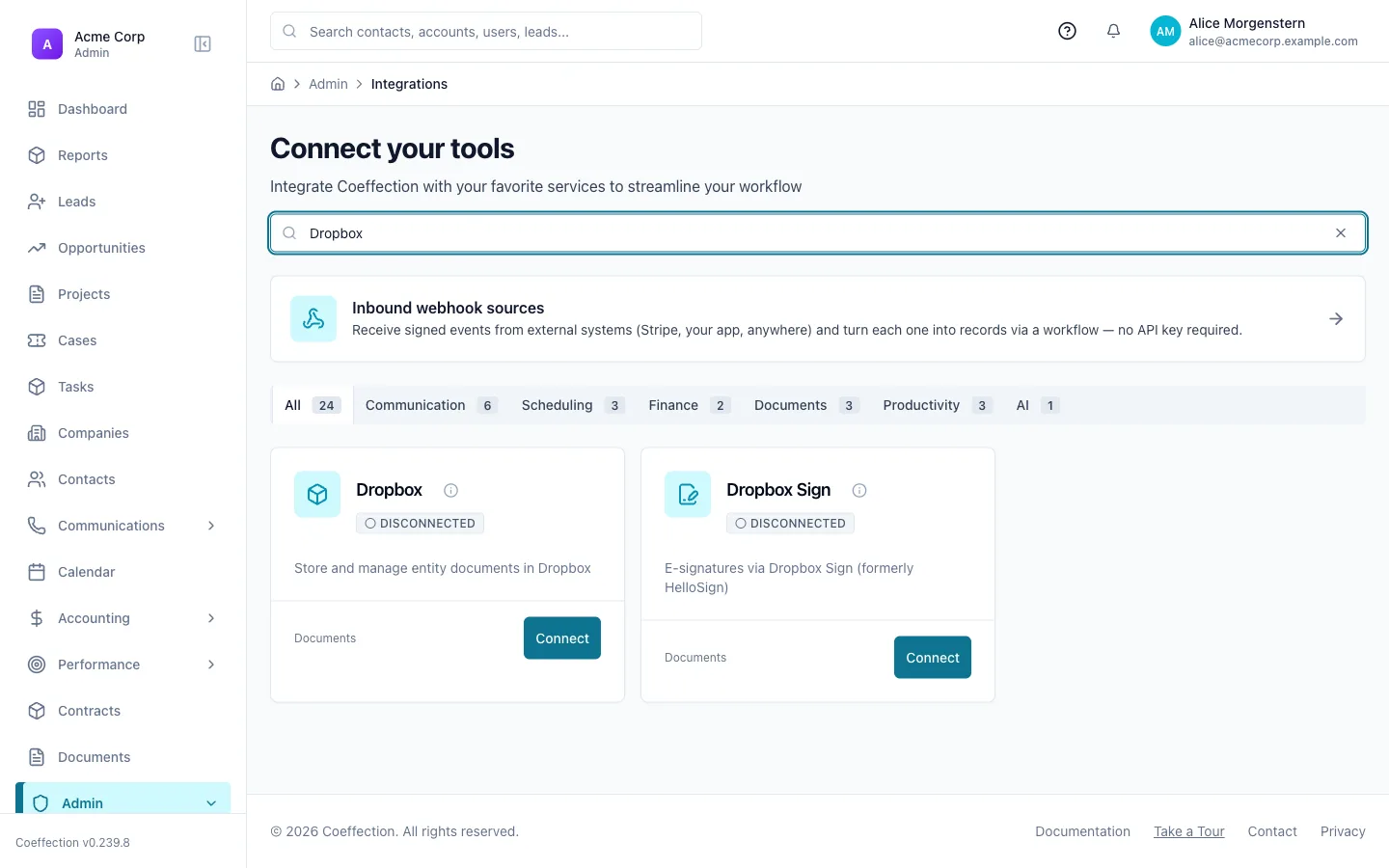
File Management
Attach, organize, and share files on any record.
5 min · Beginner
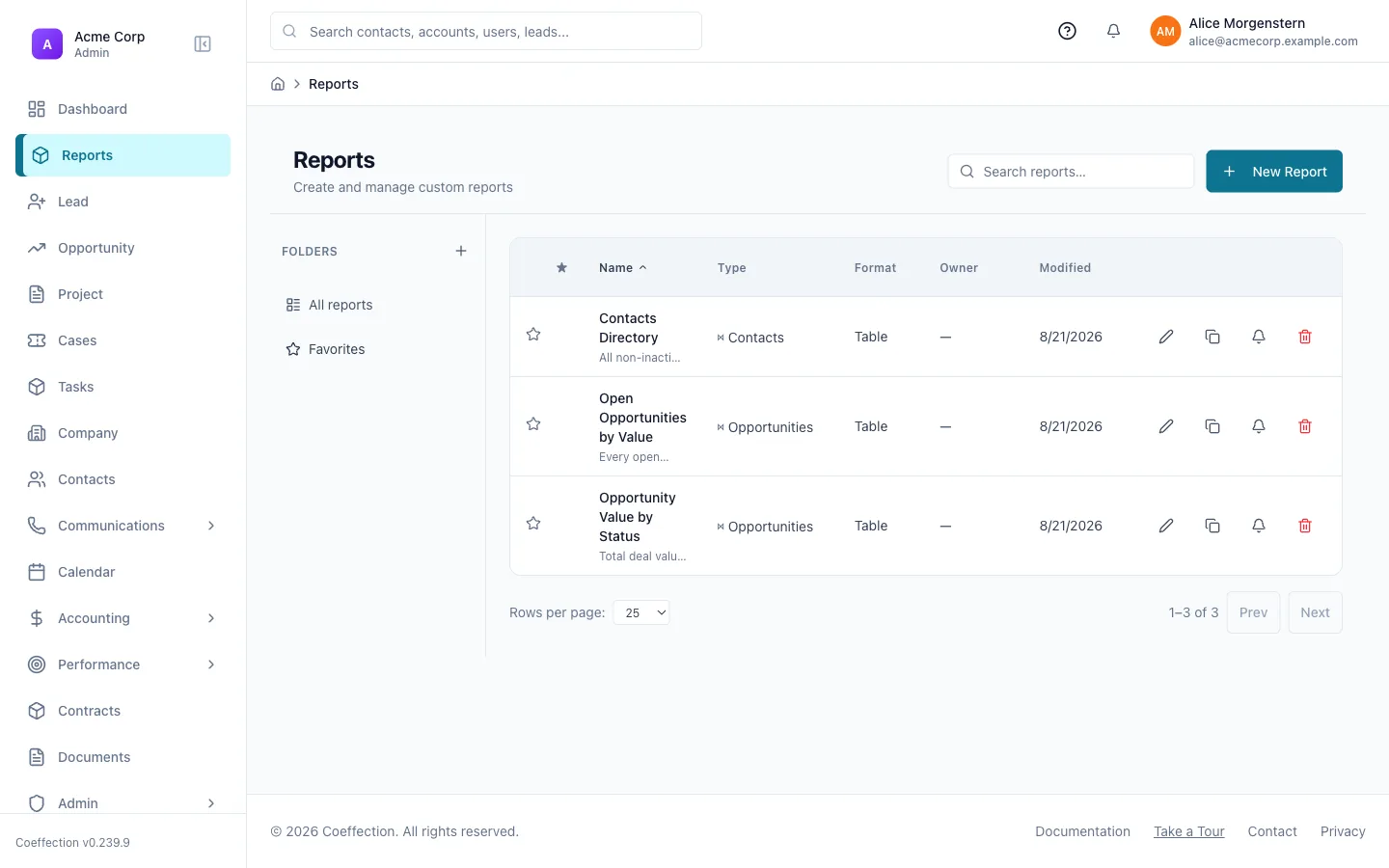
Build Your First Report
Turn your data into a report and pin it to a dashboard.
9 min · Beginner
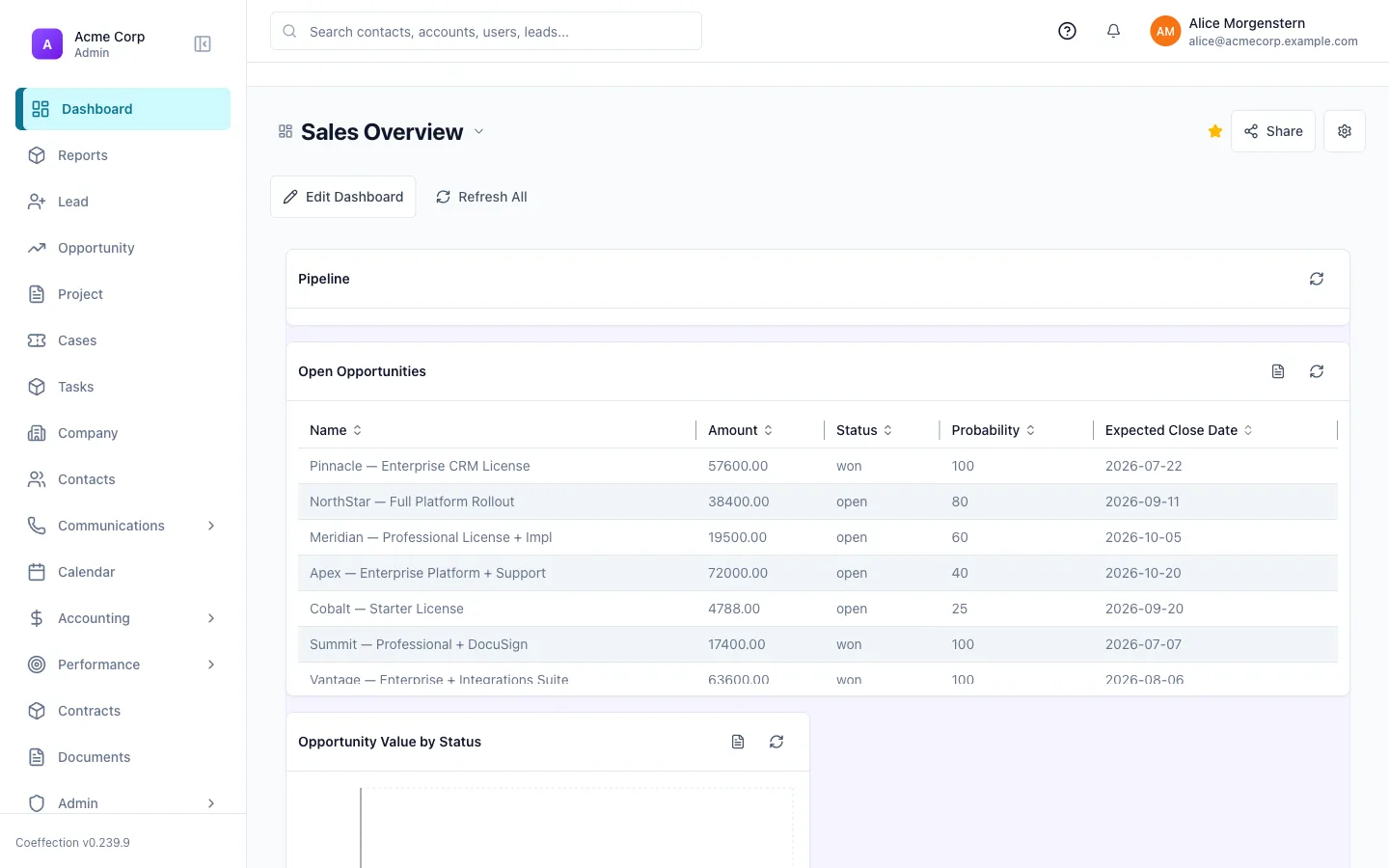
Dashboard Widgets
Use the standard widgets, and how to request a custom one.
6 min · Intermediate
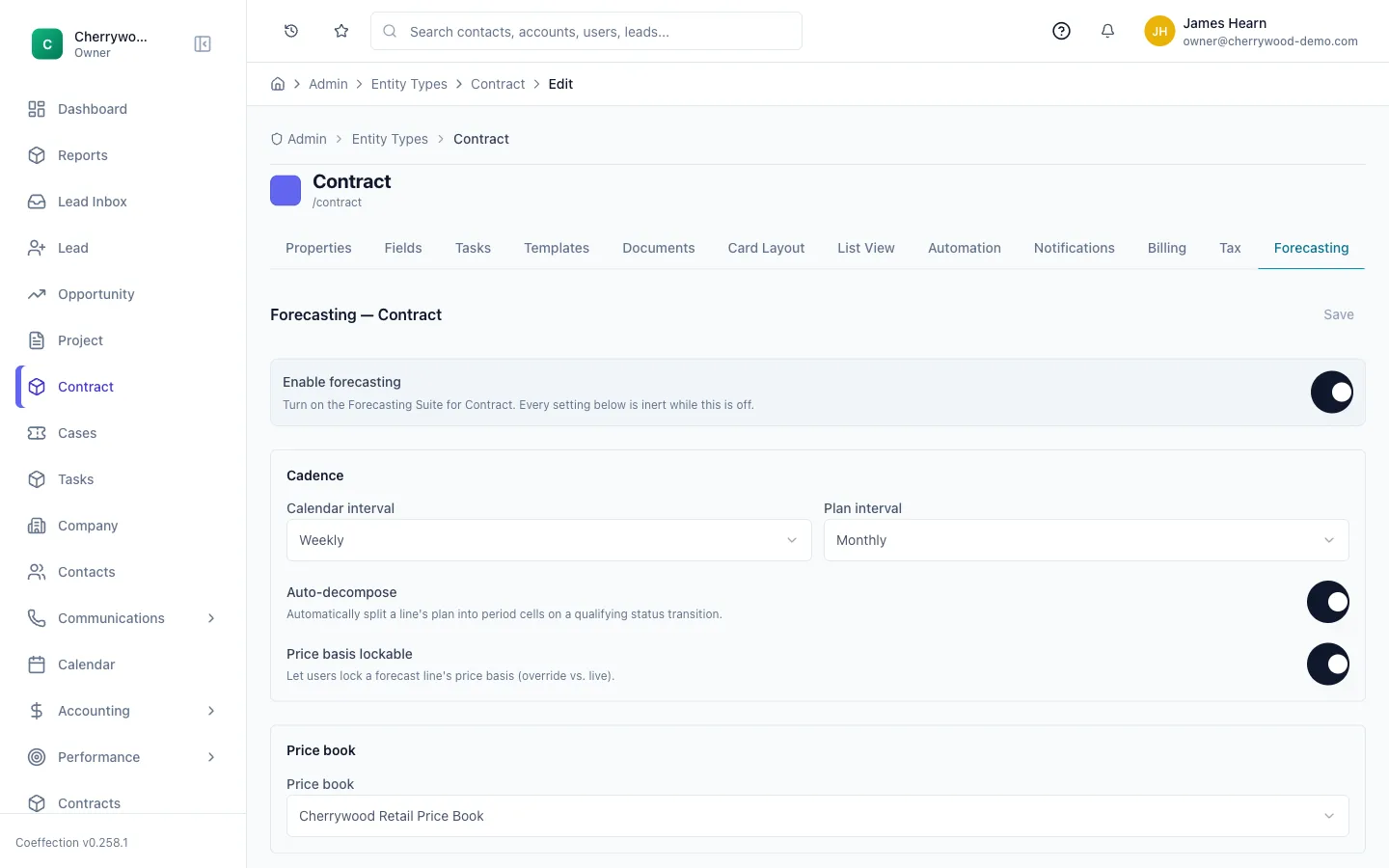
Forecasting: Recurring Revenue by SKU
Turn a contract into a period-by-period revenue forecast, track plan vs actual, and report on it.
8 min · Intermediate
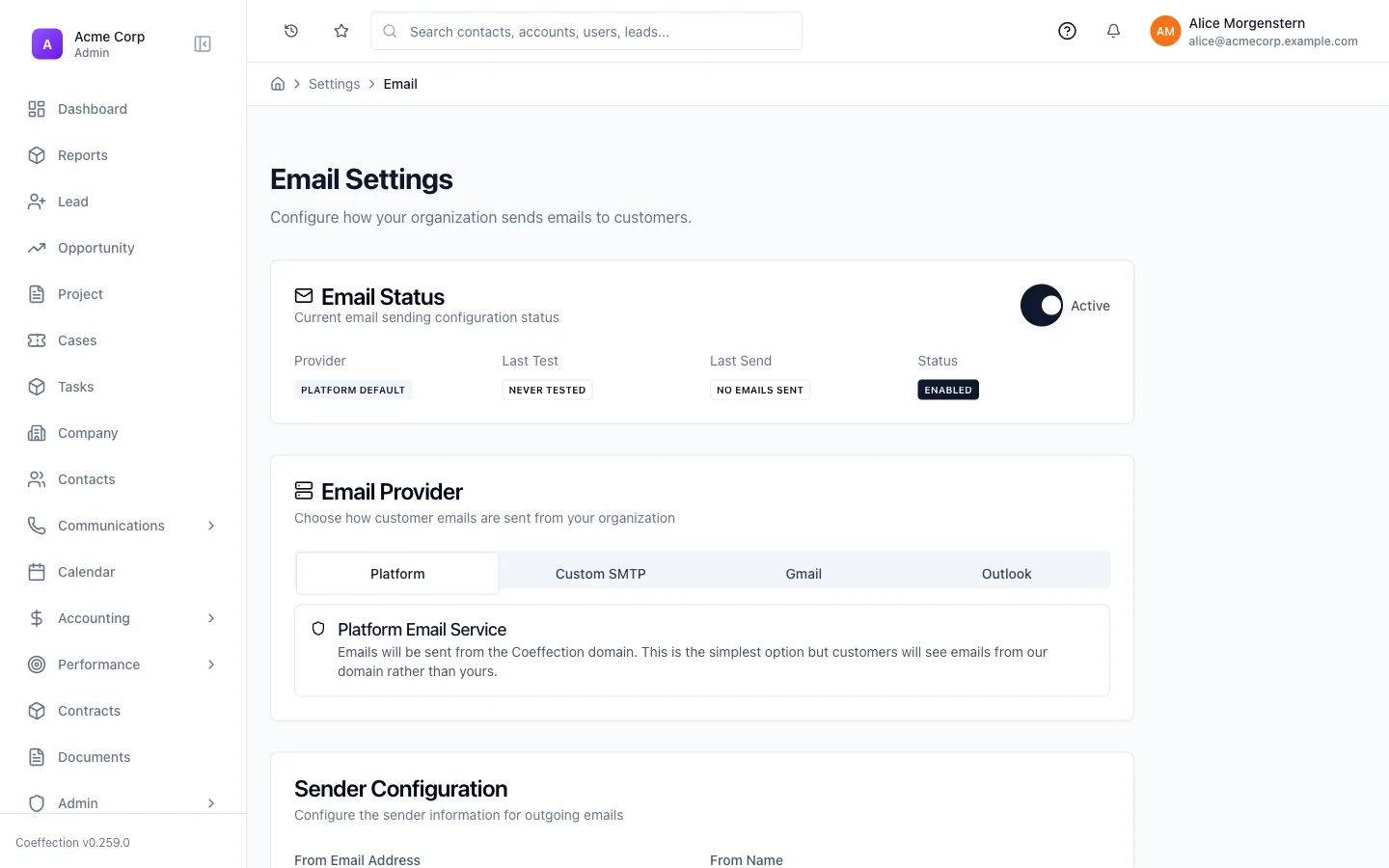
Client Communication: Email, SMS & Meetings
Reach customers over email, text, and video without leaving the CRM.
8 min · Beginner
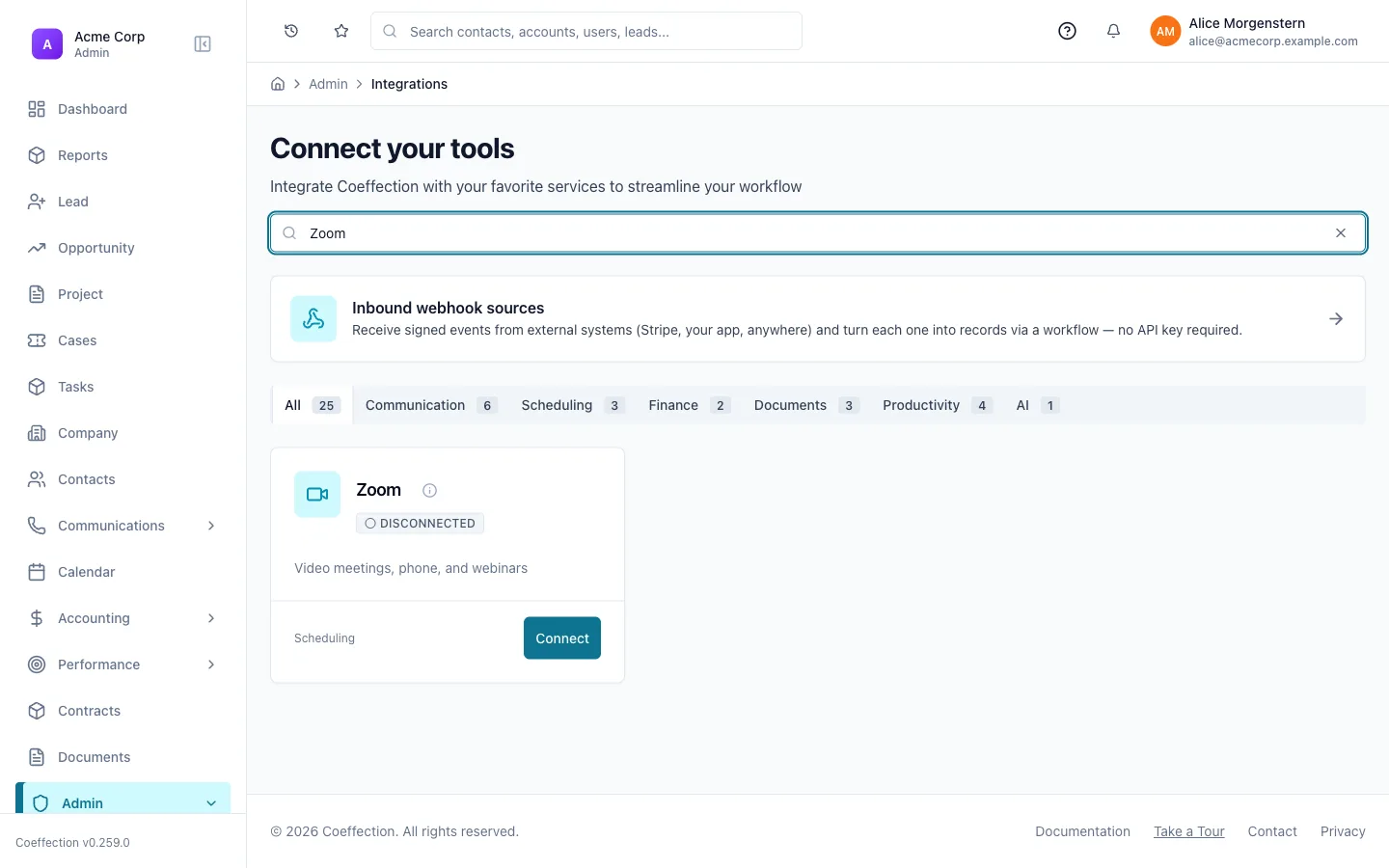
Leveraging Zoom: Calls, SMS & Recordings
Add Zoom Phone, get an SMS number, and link calls, texts, and recordings to your records.
9 min · Intermediate
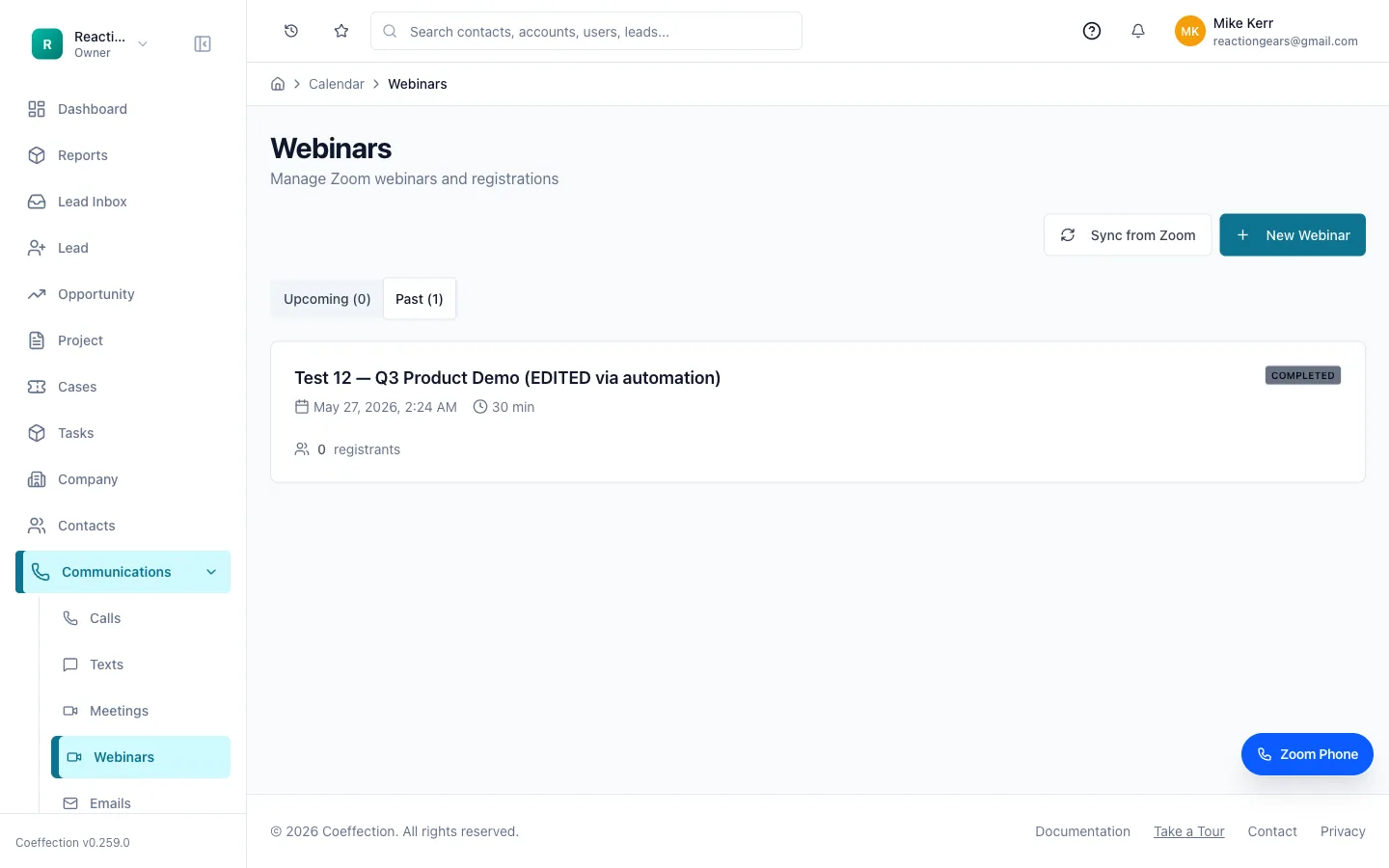
Webinars: Engage an Audience at Scale
Schedule Zoom webinars, track registrants and attendees, and sync it all back to your CRM.
6 min · Intermediate
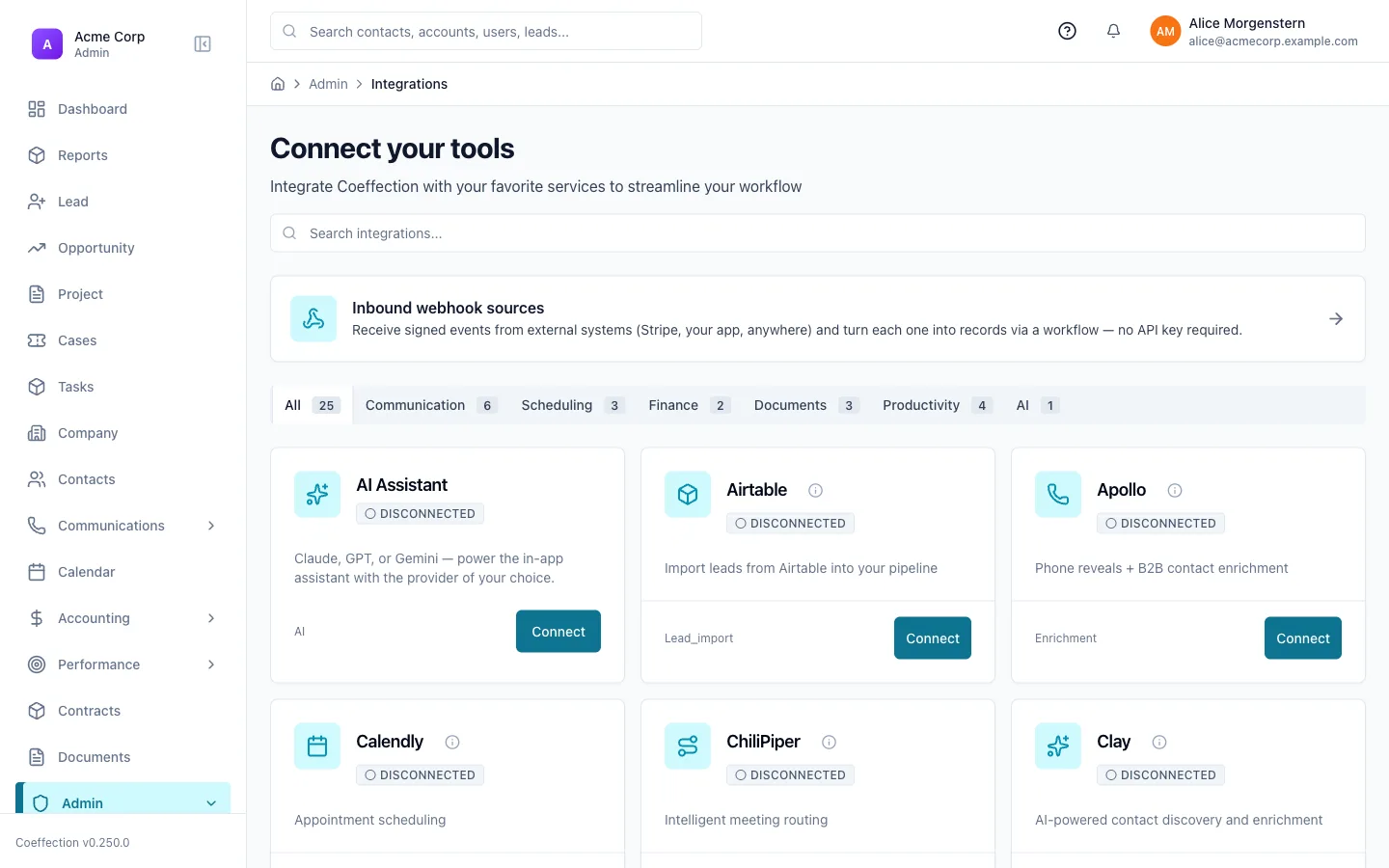
Integrations & Webhooks
Connect outside tools and react to events with webhooks.
10 min · Advanced