

Chapter 3: Setting Up Your Data
Fields Worth Having and Fields to Skip
Every field is a small tax on your team. Three questions tell you which ones earn their place, and a short list keeps the data you do collect honest.
Lesson 5 of 8 · 6 min read ·
A field is one piece of information on a record, such as a phone number, a lead source or a job size. Adding one takes seconds, and that is the problem. Every new CRM collects fields the way a kitchen drawer collects takeaway menus. A year later the form has 40 boxes, nobody fills in most of them, and the numbers in your reports can't be trusted.
Every field has a cost. Someone has to type it, on every record, forever. Think of it as a small tax on your team, and ask what you get back.
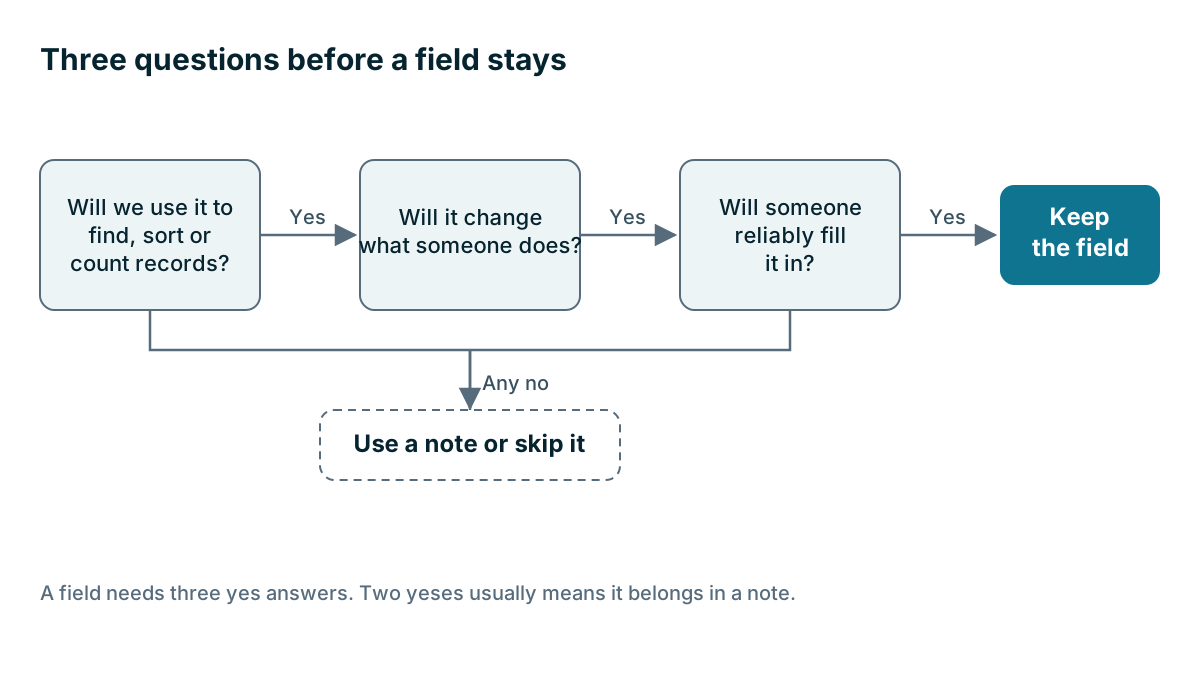
What three questions should every field pass?
Before you add a field, ask these in order.
- Will we use it to find, sort or count records? If you want a list of every customer in the north district, District needs to be a field. If you will only ever read it while looking at one customer, a note will do.
- Will it change what someone does? Job size might decide who visits. Favorite football team changes nothing.
- Will someone reliably fill it in? It should be something your team knows at the moment they are typing. If nobody knows a customer's annual revenue, the box stays empty or fills with guesses.
A field needs three yes answers. Two yeses usually means it belongs in a note.
Which fields would a boarding kennel keep?
Here is an invented example. A boarding kennel owner writes down everything she might want to know and ends up with 22 possible fields on a pet. Here is what happens when she runs them through the questions.
| Field | Find or count? | Changes what we do? | Filled in reliably? | Decision |
|---|---|---|---|---|
| Feeding plan | Yes | Yes, it sets the morning round | Yes | Keep |
| Vaccination due | Yes | Yes, it decides who can stay | Yes | Keep |
| Bites when nervous | Yes | Yes, it changes who handles the dog | Yes | Keep |
| Favorite treat | No | A little | Sometimes | Note |
| Owner's occupation | No | No | Rarely | Skip |
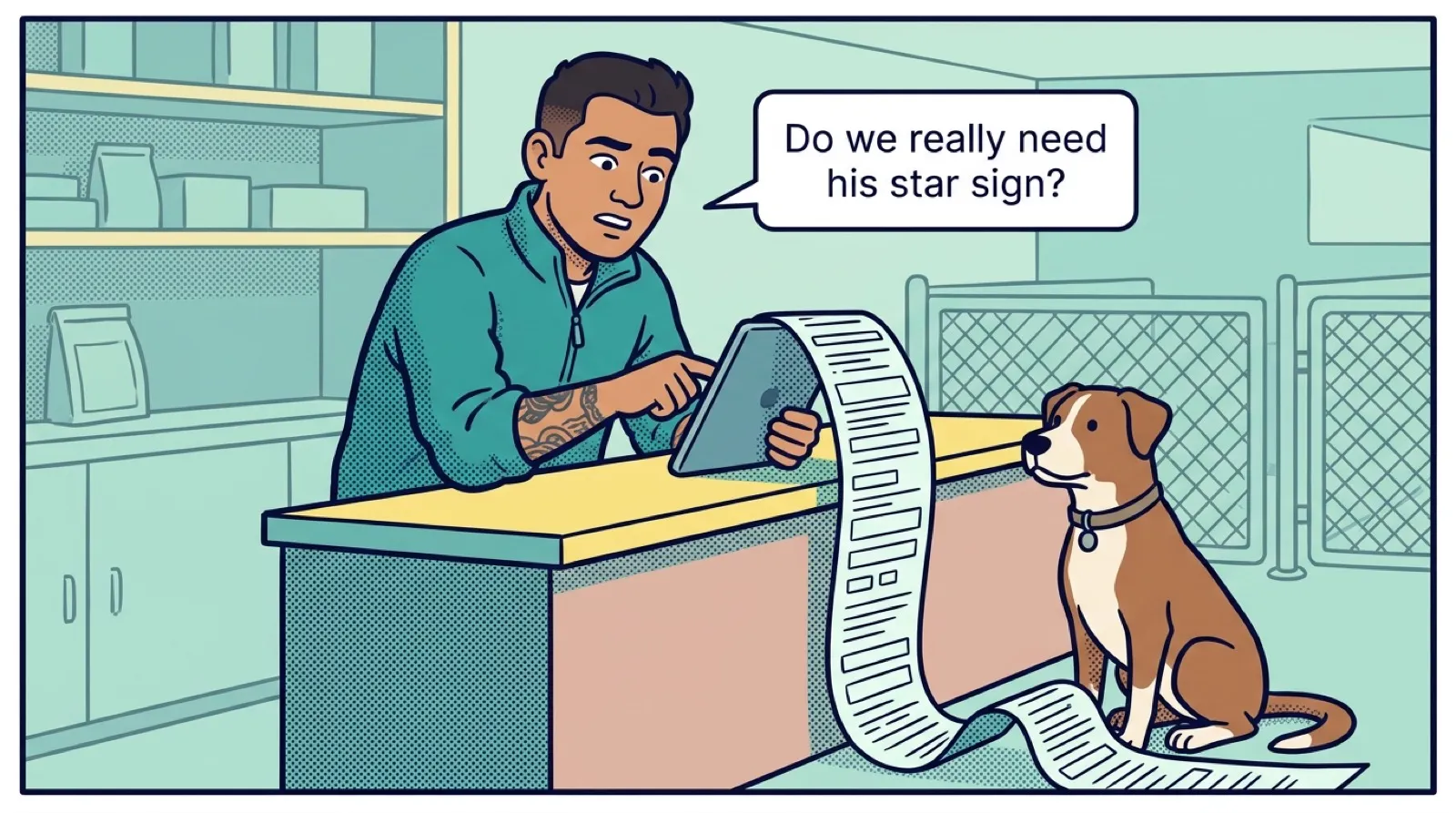
| Dog's star sign | No | No | No | Skip |
She ends up with seven fields. Her team fills in all seven, so she can trust them. A smaller set of honest data beats a larger set of guesses.
Which fields should most businesses have?
Most businesses won't need every field below, but this is a good starting list. Many will already exist in your CRM.
On a contact: first name, last name, phone, email, preferred way to reach them, and how they found you.
On a company: business name, address, website, and what kind of customer it is.
On a deal: name, value, stage, expected close date, owner, lead source, and the reason it was lost, if it was.
Lost reason is the one people most often skip, and it is often the most useful. After a year, it tells you whether you are losing on price, on timing or because you are slow to reply.
Which fields should you skip?
Be suspicious of any field that matches one of these patterns:
- Anything you might want one day. You can add a field later. Filling in years of old records is the only hard part, and you probably won't need to.
- Fields copied from another company's template. A template is written for someone else's business.
- Annual revenue and employee count, unless you truly use them to decide who to sell to. Otherwise they fill up with guesses.
- Numbered fields such as Note 1, Note 2 and Note 3. Use the activity timeline.
- Sensitive personal details you don't need. Health information, dates of birth and government ID numbers carry risk. If you don't need them to do the job, don't collect them.
Watch out
Be careful with required fields. Making a field required feels like a way to get good data, but people in a hurry will type anything to get past it. Your report then fills with entries such as N/A, dot and asdf, and you can't tell them from real answers. Require only what people know at that moment, and keep the list to three or four per record.
Which kind of field should you choose?
The type of field matters as much as the name.
| Type | Use it for | Why it matters |
|---|---|---|
| Dropdown | Lead source, customer type, lost reason | Everyone picks from one list, so you can count them |
| Number or money | Deal value, roof area | You can add and compare them |
| Date | Next service, contract end | You can sort and get reminders |
| Tick box | Has signed the terms | A clear yes or no |
| Free text | Almost nothing | Hard to count, because everyone writes it differently |
Here's a rule worth remembering: if you will ever count it, make it a dropdown. Suppose a tutoring company has a free-text Subject field. Six months later it contains Math, Maths, math tutoring, Algebra and Pre-algebra. Nobody can answer the simple question of how many students take math. A dropdown with Math, English and Science would have prevented that. If you need more detail, keep it in a separate field or a note.
Keep dropdowns short and include an Other option. Then look at what lands in Other every few months. If one answer keeps turning up, give it its own line.
Write down what each field means
A field name can mean different things to different people. Does Value include tax? Is Close date when the contract is signed or when the job finishes? Add a one-line description to any field that could be read two ways, if your CRM has a place for it. A short shared list will do if it doesn't. One sentence now saves a long argument over a report later.
Review every six months
Fields pile up over time. Twice a year, export your records to a file and look for columns that are mostly empty. An empty column means one of two things: people don't need it, or they can't answer it. Either way, hide it or fix it. Hiding is safer than deleting, because you keep any history you have.
Your must-have list from Chapter 2 is a useful check. If a field doesn't support a step on your process page, ask why it's there.
Key takeaways
- Every field costs your team time, on every record, for as long as you keep it.
- Keep a field only if you will find or count with it, it changes what someone does, and it gets filled in reliably.
- Add a lost reason to your deals. It is one of the most useful fields a small business can track.
- If you will ever count it, make it a dropdown, not free text.
- Use required fields sparingly, and review your fields twice a year.
Common questions
Should I make CRM fields required?
Be careful. People in a hurry will type anything to get past a required field, such as N/A or asdf. Require only what people know at that moment, and keep the list to three or four per record.
Why should a field be a dropdown instead of free text?
If you will ever count it, make it a dropdown. Everyone picks from one list, so you can count the answers. Free text is hard to count, because everyone writes it differently.
How often should I review the fields in my CRM?
Twice a year. Export your records to a file and look for columns that are mostly empty, then hide them or fix them, because hiding is safer than deleting.
Keep your place and test yourself
Enroll for free to save your progress, take the chapter quiz, and get a certificate when you pass every chapter. The lessons stay open to everyone either way.