

Chapter 5: Email, Phone and Integrations
Getting Email Into the CRM
Most of your customer history is sitting in your inbox. Here are the ways to get it onto the record, what each one costs you in effort, and what to keep private.
Lesson 1 of 6 · 6 min read ·
For most small businesses, email is the real customer record. The quote, the changed delivery date and the complaint are all in there, spread across two or three inboxes. If that history doesn't reach your CRM, people will still have to search their email, and the CRM will become one more place to check. Getting this right matters more than any other connection.
What are the four ways email gets into a CRM?
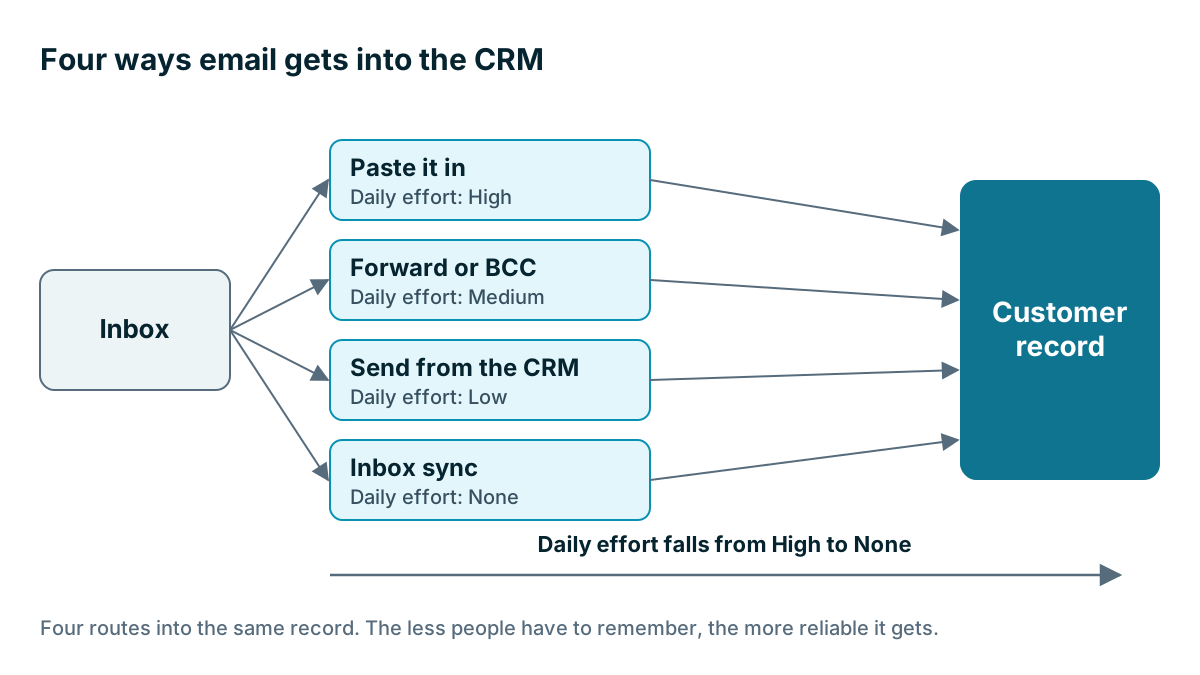
Most products offer some mix of the four methods below. They range from no setup and lots of daily effort to some setup and no daily effort.
| Method | How it works | Daily effort | Watch for |
|---|---|---|---|
| Paste it in | Someone copies the key points into a note | High | People stop after a few busy days |
| Forward or BCC | You send a copy to a special CRM address | Medium | Only works when people remember |
| Send from the CRM | You write and send from the customer's record | Low for sent mail | Replies may land elsewhere, and people still prefer their inbox |
| Inbox sync | The CRM connects to your mailbox and matches messages to contacts | None | Takes setup, and raises privacy questions |
Sync is usually the goal, because it's the only method that doesn't depend on someone remembering. It does the work when you are busy, which is when you most need it.
How does sync decide which contact an email belongs to?
A sync usually matches on the email address. If a message comes from an address that's on one of your contacts, it attaches to that contact. Three things follow from that, and each one catches people out.
A new address won't match. If your customer writes from a personal address you don't have on file, the email may land nowhere, or it may create a new contact, and that's how duplicates start.
Attaching it to the right deal is harder. Matching to a person is easy. Matching to a deal is more of a guess, especially if the customer has two jobs open. Find out what your CRM does.
Shared inboxes need their own plan. If customers write to info@ or sales@, check whether the sync covers that box, and how it handles several people replying from it.
Ask these questions too, ideally by testing rather than reading:
- Does it sync both sent and received mail?
- Do emails sent from your phone come through?
- Do attachments come across, or only the text?
- How far back does it go when you first connect?
- Does each person connect separately, or does an admin connect everyone?
- If someone leaves, does their email history stay on the record?
A worked example
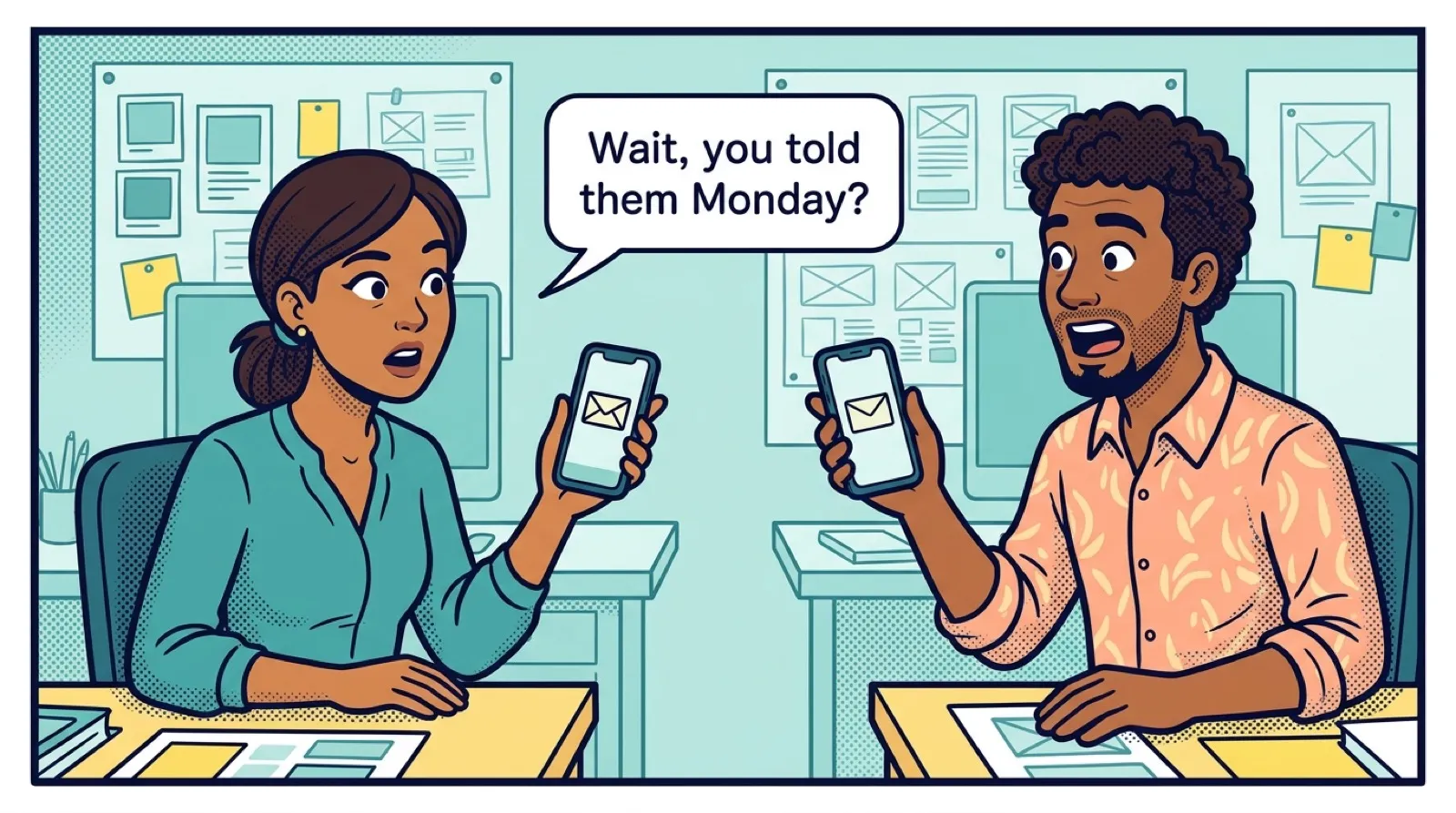
Here is an invented example. A two-person agency has partners who both talk to clients. One handles the money and the other runs the projects. They each email from their own address, and neither can see what the other said. Last month they both replied to the same client on the same morning, with two different start dates.
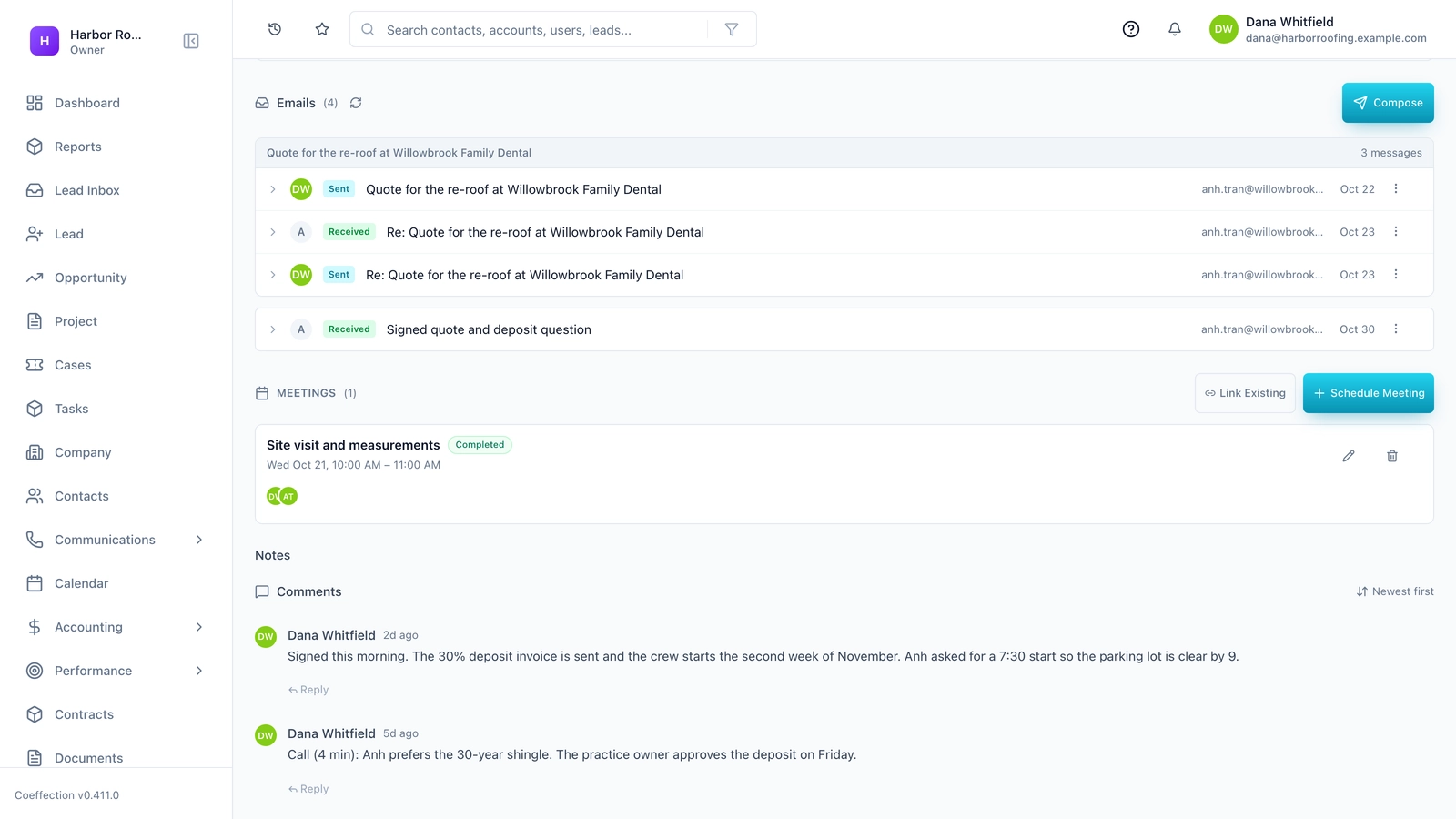
They connect both mailboxes to their CRM. Now, every email to or from a client's address appears on the client's timeline, and either partner can read the thread before they answer. Neither of them changed how they work. They still write email in the same place, and the record fills in by itself.
They do make one change. They keep a private label for personal messages and a separate address for things like banking and insurance, so those never touch a customer's contact.
How do you keep email sync private and honest with your team?
Email sync raises fair questions. People may have messages in their work inbox that aren't business: a doctor's appointment, a note from a bank, a chat with a friend. Before connecting, settle these points and tell your team plainly.
- What gets synced? Good tools sync only messages to and from known contacts, not the entire mailbox. Check that yours does.
- Who can see it? Can everyone read every synced email, or only the owner? Is there a way to mark one as private?
- What about sensitive mail? Some addresses should be excluded, such as your lawyer, your accountant and your own family.
- How long is it kept? And can a message be removed if needed?
Staff should know what is being stored before it starts. Finding out afterwards damages trust, and in some places you may have legal duties about monitoring staff. If you are unsure, ask.
Watch out
Connecting a mailbox gives a piece of software access to it. Read what permissions you are approving on that screen, and only connect tools you trust. If you stop using a product, remove its access from your email account's security settings as well, because cancelling the subscription may not do that.
What about old email?
When you first connect, a sync may offer to bring in past messages. Bringing in some of it is useful, because open deals get their history straight away. Bringing in years of it tends to create clutter, and it may pull in old contacts you don't want. Start with the shortest period the tool offers, such as a few weeks or months. If you find you need more, you can usually extend it later. Check this before you press the button, because removing it afterwards can be harder than adding it.
Sending from the CRM
Sync gets email in. You may also want to send from the CRM, using templates for quotes and follow-ups. That helps with messages you send often, and it can store a record of what went out.
Keep sales email separate from bulk email, though. A newsletter sent to thousands of people carries different rules, including how people unsubscribe. Sending it from your ordinary business address can also hurt your ability to get mail delivered. If your CRM includes email marketing, check how it handles this, or use a separate tool for that job.
Before you buy, check that your CRM supports your email provider, on the plan you are buying. Coeffection, for example, syncs Gmail and Outlook. If you use anything else, such as a mailbox from a web host, check carefully with any vendor, because support can be uneven.
Should you connect the whole team at once?
Connect one mailbox first. Live with it for a week. Send real emails, reply from your phone, and see what lands where. Fix the surprises, write down the rules, and then connect the rest of the team.
If you are a solo owner with a few customers, your inbox's search bar may be all you need. Sync is valuable when more than one person needs to know what was said.
Key takeaways
- Inbox sync is usually the goal, because it doesn't rely on anyone remembering.
- Sync matches on email address, so unknown addresses and open deals need a plan.
- Test sent mail, phone replies, attachments, history and what happens when someone leaves.
- Tell your team what's synced, who can read it and what stays private.
- Connect one mailbox first, and keep bulk marketing email separate.
Common questions
How do I get customer emails into my CRM without copying them by hand?
Connect your mailbox so the CRM syncs it. Sync does the work when you are busy, so the history builds up without anyone pasting or forwarding it.
Why do some customer emails not show up on the right contact?
Sync usually matches on the email address. If a customer writes from an address you don't have on file, the message may land nowhere, or it may create a new contact, and that is how duplicates start.
What should I check before connecting my work email to a CRM?
Test sent mail, phone replies and history first, and check what happens when someone leaves. Settle what stays private, and tell your team plainly.
Keep your place and test yourself
Enroll for free to save your progress, take the chapter quiz, and get a certificate when you pass every chapter. The lessons stay open to everyone either way.