

Chapter 5: Email, Phone and Integrations
When to Use a Connector Tool and When to Stop
Connector tools can link almost anything in an afternoon. Here is what they are good at, what they are bad at, and the signs you have built something you can't maintain.
Lesson 6 of 6 · 6 min read ·
A connector tool is a service that sits between two other products and passes information from one to the other. Services such as Zapier and Make are well-known examples. You write a rule in plain terms: when this happens in tool A, do that in tool B. There's usually no code, and you can often get a useful rule running in an afternoon.
That's the appeal, and it's also the risk. Because each connection is so easy to add, a small business can build a tangle of them without ever deciding to.
What does a connector rule look like?
A rule has two parts, a trigger and an action.
- Trigger: a new row appears in the event sign-up sheet.
- Action: create a contact in the CRM, with the source set to Trade show.
More complex versions add filters and extra steps. For instance, a rule might only run for sign-ups with a company email, then add a task for a salesperson. Even at this level, it's still simple enough for a careful owner to run.
Which option should you try first?
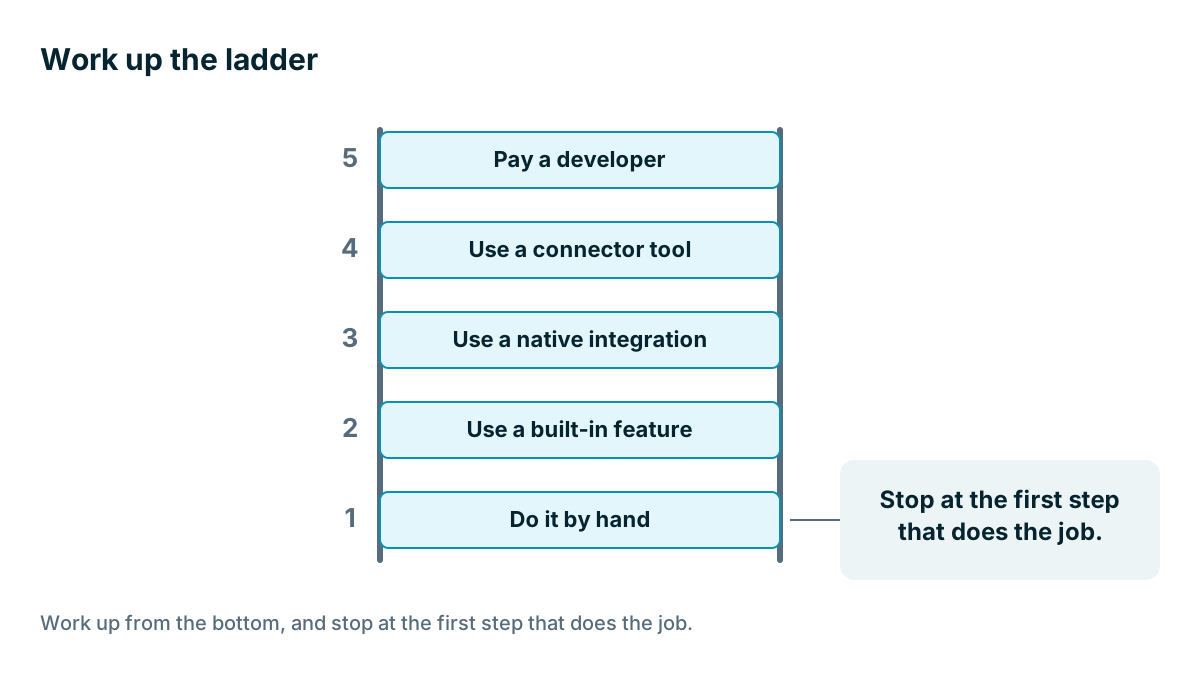
When you want two tools to talk, work up from the bottom. Stop at the first step that does the job.
- Do it by hand. How often does it happen? If it's twice a month, a two-minute job may be the right answer.
- Use a built-in feature. Maybe the CRM already does it. Check before you build anything.
- Use a native integration. Supported by a vendor, and they have to fix it.
- Use a connector tool. For a real gap, with a simple shape.
- Pay a developer. For something important that the options above can't do reliably.
Most people jump straight to step 4 because it's fun. Steps 1 to 3 are usually cheaper to live with.
What jobs suit a connector tool?
A connector tool suits jobs with these features.
- One way. Information flows in one direction only.
- Few steps. One trigger and one or two actions.
- Low stakes. If it fails for a day, nothing terrible happens.
- Repetitive. It happens often enough to be worth building.
- Stable. The process hasn't changed in a while, and it probably won't soon.
Here's a good invented example. A soap maker sells at weekend markets and takes email sign-ups on a tablet. A rule adds each one to the CRM, tagged with the market's name. If it fails, she loses very little, and she can reload the list on Monday. It took her twenty minutes to set up, and it saves her from typing 50 names each week.
Where they do badly
Be cautious in these situations.
- Money. Anything that creates invoices or changes payment records. A misfire goes straight into your books.
- Two-way sync. Keeping two systems matched in both directions involves conflicts and loops. If one change triggers the other side, which triggers the first, you can burn through your usage allowance or create hundreds of records in a few minutes.
- Customer-facing messages. A rule that emails customers can send the wrong thing to the wrong person, at scale.
- Sensitive data. It's one more company that handles your customers' details. Read how the tool handles them, and consider what passes through it.
- Long chains. If step three depends on step two, which depends on step one, a change anywhere can break the rest.
| Job | Use a connector? | Why |
|---|---|---|
| Add market sign-ups to the CRM | Yes | One way, low stakes |
| Alert a chat channel when a big deal is won | Yes | Simple, and harmless if it fails |
| Keep two contact lists matched both ways | Usually no | Conflicts and loops |
| Create invoices from won deals | Be careful | A native link is usually safer, because errors land in your books |
| Email customers on stage change | Be careful | The cost of a mistake is visible to customers |
What do connectors really cost?
Connector tools usually charge by usage, often by the number of tasks or runs, and the cheapest plan may have limits on the features you need. As with any pricing page, check what your volume would cost. Prices change, so look at the current page.
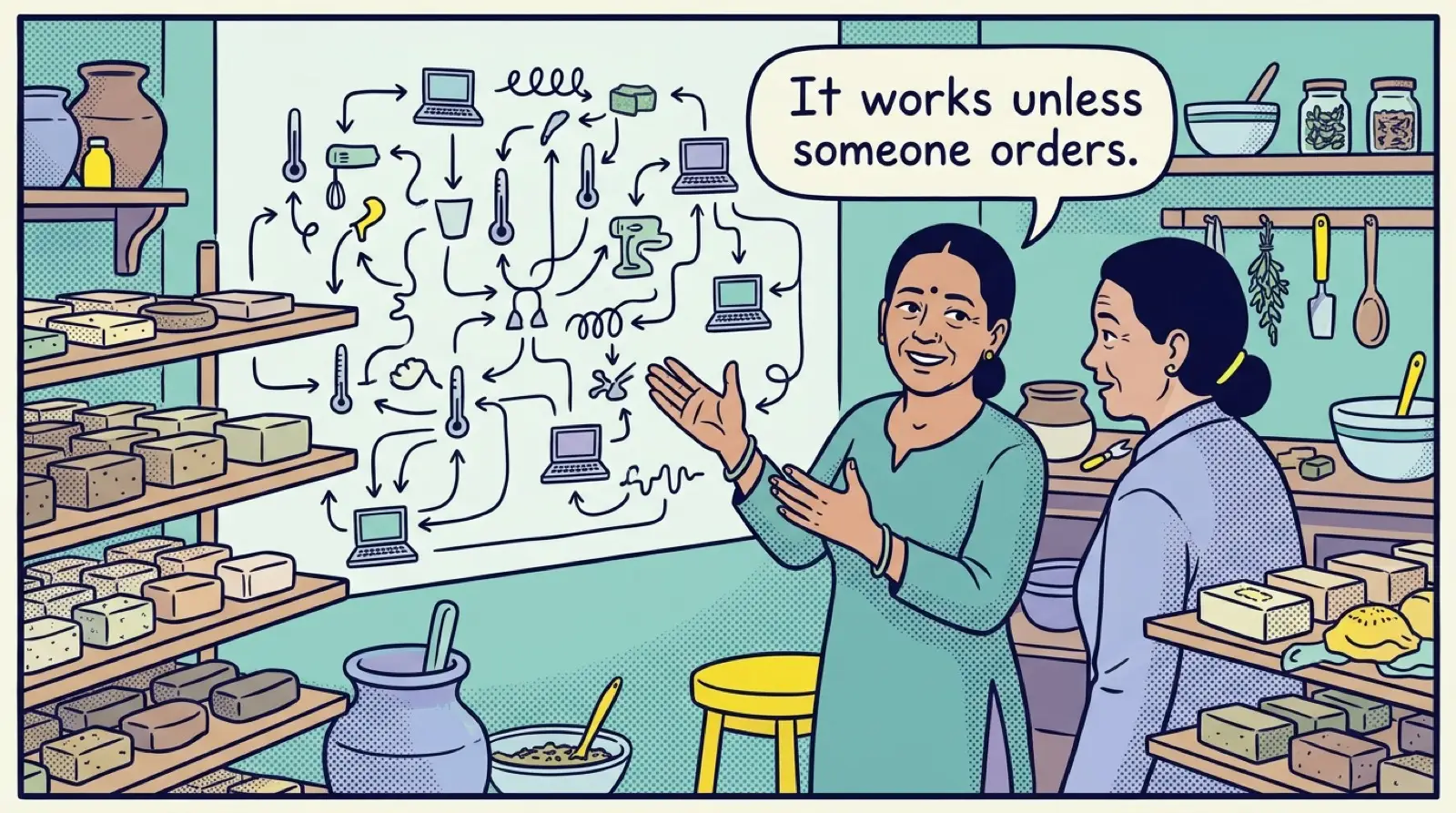
The larger cost is maintenance. When a field name changes in your CRM, or a form gets a new box, a rule can break. Some fail with an alert. Others carry on running, doing the wrong thing. And rules tend to live in one person's login. If that person leaves, nobody knows they exist, until something stops working.
Test a rule before you trust it
Treat a new rule the way you treated your first import. Try it on one test record and read the result in the target tool. Check the odd cases too: a blank phone number, a name with an apostrophe, and the same person coming through twice. A rule that creates a contact each time it runs is one of the quickest ways to fill your CRM with duplicates, so set it to look for an existing record first, if the tool allows it.
Then leave it switched on for a week and check its history every day or two. Most tools show each run and whether it worked. A week of clean runs tells you far more than a good first try.
Keep a list
This one habit makes connectors much safer. Keep a simple sheet with one row for each rule.
| Rule | What it does | Owner | If it fails | Last checked |
|---|---|---|---|---|
| Market sign-ups | Adds contacts from the tablet sheet | Owner | Reload the sheet by hand | March |
| Big win alert | Posts wins over a set value in team chat | Office manager | Nothing, wait for a fix | March |
Use a shared company login for the connector account, not someone's personal one. Turn on failure alerts, and send them to a person who will read them. Check the list twice a year, and turn off anything nobody misses.
When should you stop adding connections?
Here are the signs that you've gone far enough.
- Nobody can explain the whole setup from memory.
- You have more than a handful of rules, and some depend on others.
- You spend more time fixing rules than they save you.
- You've delayed a change to your sales process, because it might break something.
- Your usage bill keeps climbing, and it's getting near the cost of a better-suited product.
- Rules are copying the same data around in circles.
When you see these, you have three ways out. Simplify, by removing rules that nobody would miss. Replace a chain with a native feature, even if it means moving up a plan. Or switch to a product that handles more of this directly, if your must-have list has really changed.
Tip
Run a process by hand for a few weeks before automating it. You will find out which steps matter and which ones you thought mattered. Automating a process that's still changing means rebuilding it every month. Automating one that has settled often takes an afternoon, and then you can leave it alone.
The aim of this chapter hasn't been to connect everything. It was to keep one trustworthy customer record, with as little retyping as you can manage, and no more moving parts than you can look after.
Key takeaways
- A connector tool passes data between products using a trigger and an action.
- Work up the ladder: by hand, built-in, native integration, connector, developer.
- Connectors suit one-way, simple, low-stakes, repetitive and stable jobs.
- Be careful with money, two-way sync, customer messages and sensitive data.
- Keep a list of every rule, with an owner, and stop when nobody can explain the whole setup.
Common questions
What is a connector tool?
A connector tool is a service that sits between two products and passes information from one to the other. You write a rule as a trigger and an action, such as creating a CRM contact when a sign-up sheet gets a new row.
When is a connector tool risky?
Be careful with anything that creates invoices or changes payment records, rules that email customers, and two-way sync between two systems. A mistake can reach your books or your customers, and two-way sync can loop.
Is it a problem if a connector rule breaks?
It can be. Some rules fail with an alert, while others keep running and do the wrong thing. Turn on failure alerts, send them to someone who will read them, and check the rule history every day or two in its first week.
Keep your place and test yourself
Enroll for free to save your progress, take the chapter quiz, and get a certificate when you pass every chapter. The lessons stay open to everyone either way.