

Chapter 5: Email, Phone and Integrations
Calls and Texts
If your customers call and text, your CRM can be blind to the most important conversations. Here is how to capture them, from a thirty-second habit to a business phone system.
Lesson 2 of 6 · 6 min read ·
In many small businesses, the sale happens on the phone. A homeowner calls from the driveway, a site manager texts a photo, and a customer confirms a change of date while the owner is up a ladder. None of that shows up in an email sync. If those conversations stay on one person's phone, your CRM has a big hole in the middle of it.
The good news is that you can start with a simple habit, and only spend money when the habit proves worthwhile.
What needs recording after each call?
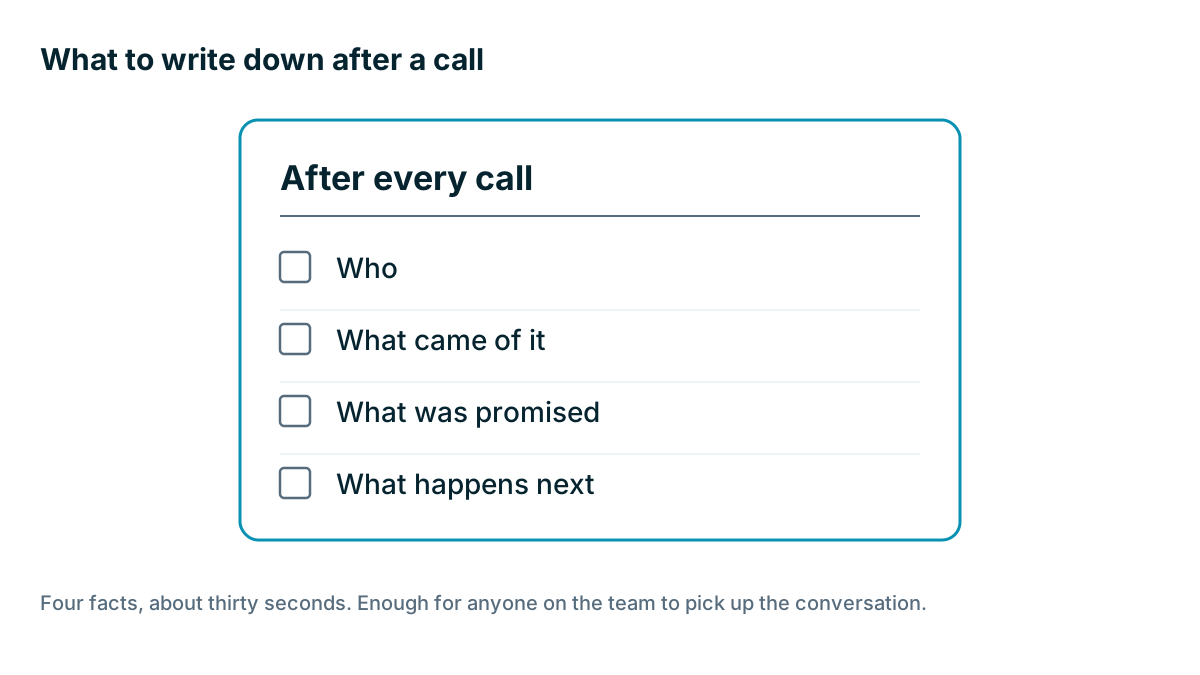
You don't need a transcript of every call. For most businesses, four facts are enough.
- Who you spoke to.
- What came of it, in a line or two.
- What was promised, especially prices and dates.
- What happens next, written as a task with a date.
The third one saves the most arguments. If you told a customer the job would start on the 12th, everyone else needs to know.
Three levels
Pick the lowest level that solves your problem.
| Level | How it works | Good for | Limits |
|---|---|---|---|
| 1. Log it by hand | After a call, add a note in the CRM's mobile app | One or two people, low call volume | Relies on memory and discipline |
| 2. Tap to call from the record | The app dials your phone, then asks for an outcome | Field teams on their own phones | Your personal number shows, and incoming calls may go unrecorded |
| 3. Business phone system linked to the CRM | Calls and texts run through a business number and log themselves | Several people sharing customers, high volume | Monthly cost, setup and new habits |
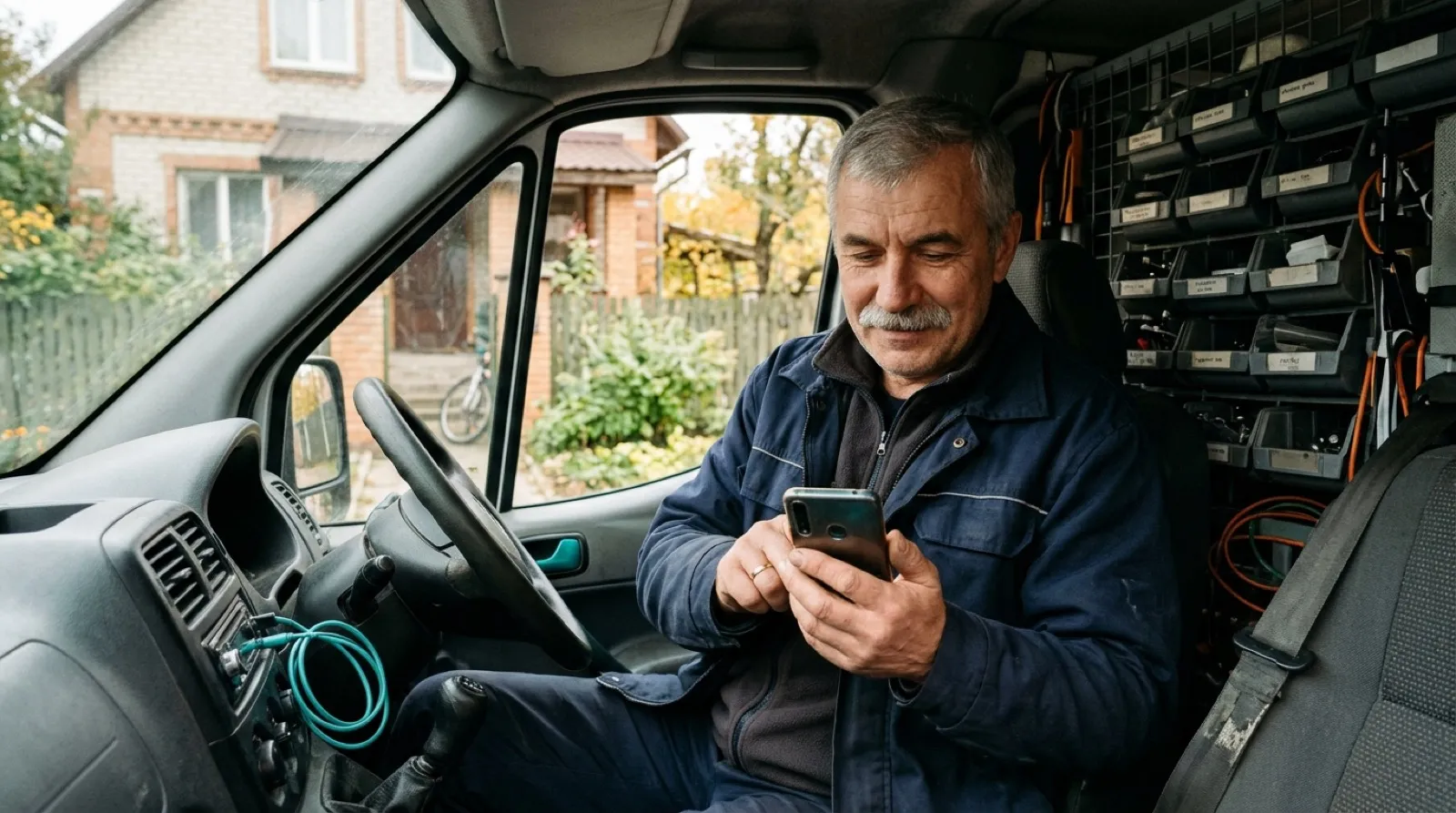
Level 1 works better than you may think, if you do it right away. A note written in the van before you start the engine will be accurate. A note written on Friday afternoon is fiction. Many phones can also turn speech into text, so you can dictate a note in a few seconds.
If you often move on before writing, set yourself one rule: nobody leaves the driveway until the note is in.
What goes wrong with personal phones?
Here is an invented example. A mobile appliance repair firm runs three vans. Customers save the mobile number of whichever technician turned up, and they text him directly the next time. That feels friendly. Then one technician leaves for a competitor and takes four years of customer relationships with him, in his own phone, under his own number.
A shared business number fixes this. Customers reach the business rather than one person, calls can be routed to whoever's free, and history stays when someone leaves. It also means staff can stop work at the end of the day without a personal phone buzzing with customer texts.
The cost is real, though. You pay for the phone service, probably per user, and perhaps for minutes and messages too. People also have to use a separate app for work calls. If you run a team of two and customers mostly reach you by email, this may not be worth it. As we said in Chapter 2, read this part of the pricing page carefully.
Texts need more care
Customers like texting, and it's often the quickest way to confirm an appointment. Texts are also the conversations most likely to go missing, because personal text apps usually don't connect to anything.
If you want texts on the record, you'll usually need a business number that supports them, linked to your CRM. Check these things:
- Do incoming and outgoing texts both appear on the contact?
- Do photos come across? In some trades, that's the main reason people text.
- If a customer texts the number, who gets alerted?
- If two staff share a customer, can they both see the thread?
- Can you text from your phone, or only from a desktop?
- Do you have to register your business to send texts? Some regions and carriers require this, and it can take time.
A few small uses tend to work well. A text the day before a visit reduces no-shows, and an on-my-way message saves a phone call. If you miss a call, an automatic text saying you'll ring back soon can stop someone from trying the next business on the list. Start with one of these before you try anything bigger.
Watch out
Rules on calls and texts are strict and vary by place. Recording a call often needs the consent of one or all parties, depending on where each person is. Marketing texts and automated calls usually need permission first, and penalties can be serious. Replying to a customer about their job is one thing, and sending promotions to a list is another. Check the rules that apply to you, and ask a professional if you plan to record calls or text in bulk.
Should you record calls?
Recording sounds useful. For a team that trains new salespeople, it can be. For most small businesses, it creates more work than it saves. Somebody has to listen, and the recordings hold personal details you then have to protect. Tools that summarize calls with AI can reduce the listening time, but they don't remove the consent question, and you should still check the summary against what was said. Start with good notes. Add recording only if you have a clear reason, such as coaching.
Are missed calls lost leads?
Whatever level you pick, look at what happens when you can't answer. Call your own business from an unknown number, at a busy time. Does it go to a named voicemail? Does someone get told? How long until a call back? For a roofer or electrician who can't pick up on a job, a missed call is often a lost job. A simple rule, such as returning every missed call within two hours, may be worth more than any software.
If you do want calls and texts on the record, there are several ways to get there. Some CRMs include calling, and others connect to a separate phone service. Compare what each offers with the phone tools your team already likes, and test how each behaves on a real call.
Key takeaways
- For each call, record who, what came of it, what was promised and what happens next.
- Start by logging by hand, and pay for a phone system only if the habit proves its worth.
- A shared business number keeps customer history when staff leave.
- Check how texts and photos reach the record, and start with one small use.
- Recording and marketing rules are strict. Check what applies to you first.
Common questions
How long should a call note take to write?
About thirty seconds, if you write it straight away. Keep it to the four facts: who you spoke to, what came of it, what was promised and what happens next.
Do I need to record my business calls?
Probably not, at first. For most small businesses, recording creates more work than it saves, and it raises consent questions. Add recording only with a clear reason, such as coaching new salespeople.
Can my customer texts go into the CRM?
Usually only if you use a business number that supports texting and is linked to your CRM. Personal text apps usually don't connect to anything, so those messages are the most likely to go missing.
Keep your place and test yourself
Enroll for free to save your progress, take the chapter quiz, and get a certificate when you pass every chapter. The lessons stay open to everyone either way.