

AI Agents That Take Actions
An AI agent doesn't just answer. It takes steps in your systems by itself. Here is what can go wrong when it does, and the limits to set before you let one loose on your CRM.
Lesson 7 of 8 · 7 min read ·
Most of this chapter has been about AI that reads and writes text for a person to check. An agent goes further. You give it a job, and it works out the steps and carries them out, using the tools it's been given. It might look up a record, decide what to do next, change a field, then move on to the next record, all without anyone pressing a button in between.
In the ladder from the last lesson, agents live on steps 3 and 4: act and report, and act alone. That's where the time savings get bigger, and where a mistake can repeat a hundred times before anyone notices.
How an agent differs from a rule
In Chapter 7, you built automations from when, if and do. A rule does exactly what it says, every time. If it's wrong, it's wrong in a predictable way, and you can read the rule to find out why.
An agent is more flexible. You can give it a loose job, such as tidy up stale deals, and it decides what that means for each record. That flexibility is the appeal. It's also the risk, because it may decide differently from you, and it may decide differently on Tuesday than it did on Monday.
What can go wrong when an AI agent acts?
It picks the wrong record. Two contacts share a name, or a company has three sites. A person would check. An agent may pick the first match and act on it.
It reads the job too widely. Asked to clean up old deals, it closes deals that were quiet in the CRM but very much alive, because the conversation happened by phone and nobody logged it.
It keeps going. A small misunderstanding becomes a big one when it runs across your whole database. A person who makes a mistake usually notices after the second or third time. An agent may not.
It follows instructions it shouldn't. If it reads emails or web forms, text written by outsiders can try to steer it. The lesson on customer data called this prompt injection. With an agent that can act, a hidden line in an email could try to get it to send data elsewhere or change records.
It runs up costs. Some AI tools charge by use. An agent stuck in a loop, or given a huge job, can use a lot in a short time.
It speaks for you. If it can send emails or texts, every one of those mistakes can reach a customer.
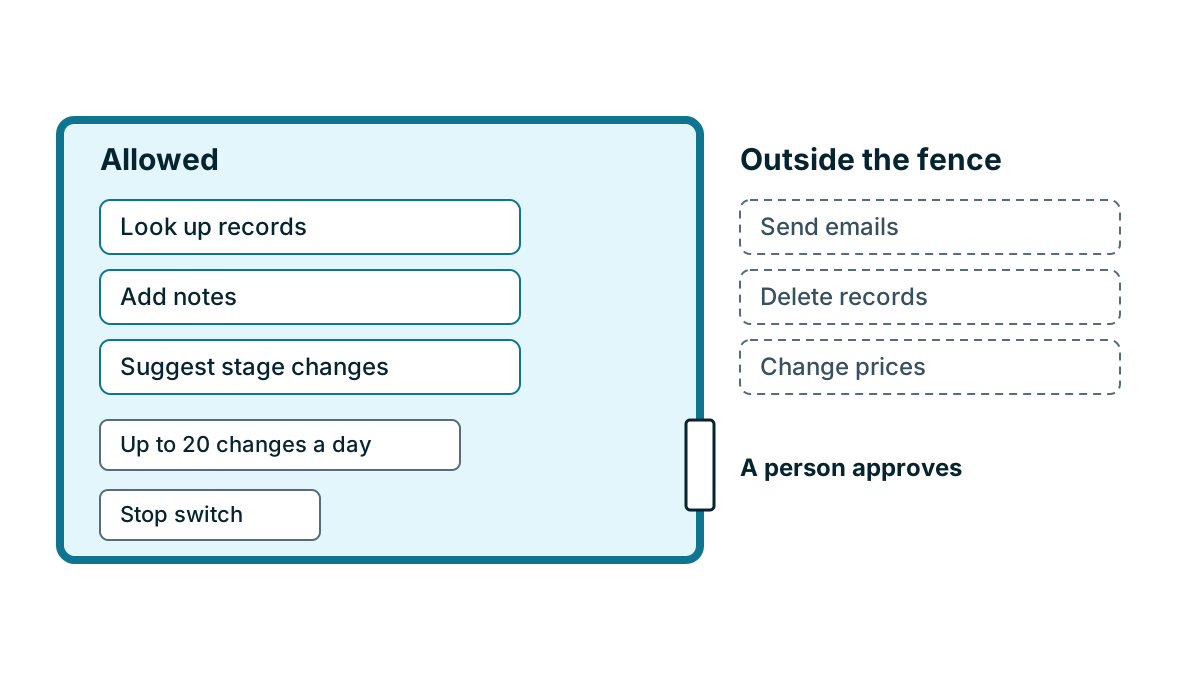
What limits should you set on an agent?
The limits below work together. No single one is enough.
- Give it one narrow job, written in a sentence, not a general goal
- Allow only the actions that job needs, and never delete
- Make it ask a person before anything that reaches a customer or touches money
- Cap how much it can do, such as a number of changes per run or per day
- Let it act as a dedicated, limited user, so its changes are easy to spot
- Run it on test records or a small batch first
- Keep a log, and have someone read it every day at the start
- Make sure anyone on the team can stop it right away
A useful pattern is propose, then approve. The agent does the slow part, such as going through records and deciding what should change, then puts its proposals on a list. A person looks down the list and approves, rejects or edits each one. You keep most of the time saving, and nothing changes without a person seeing it first.
A worked example
Here is an invented hot tub servicing company with nine staff. Its pipeline is cluttered with old deals, and the owner wants an agent to close anything with no activity for 90 days, marking it Lost with the reason No response.
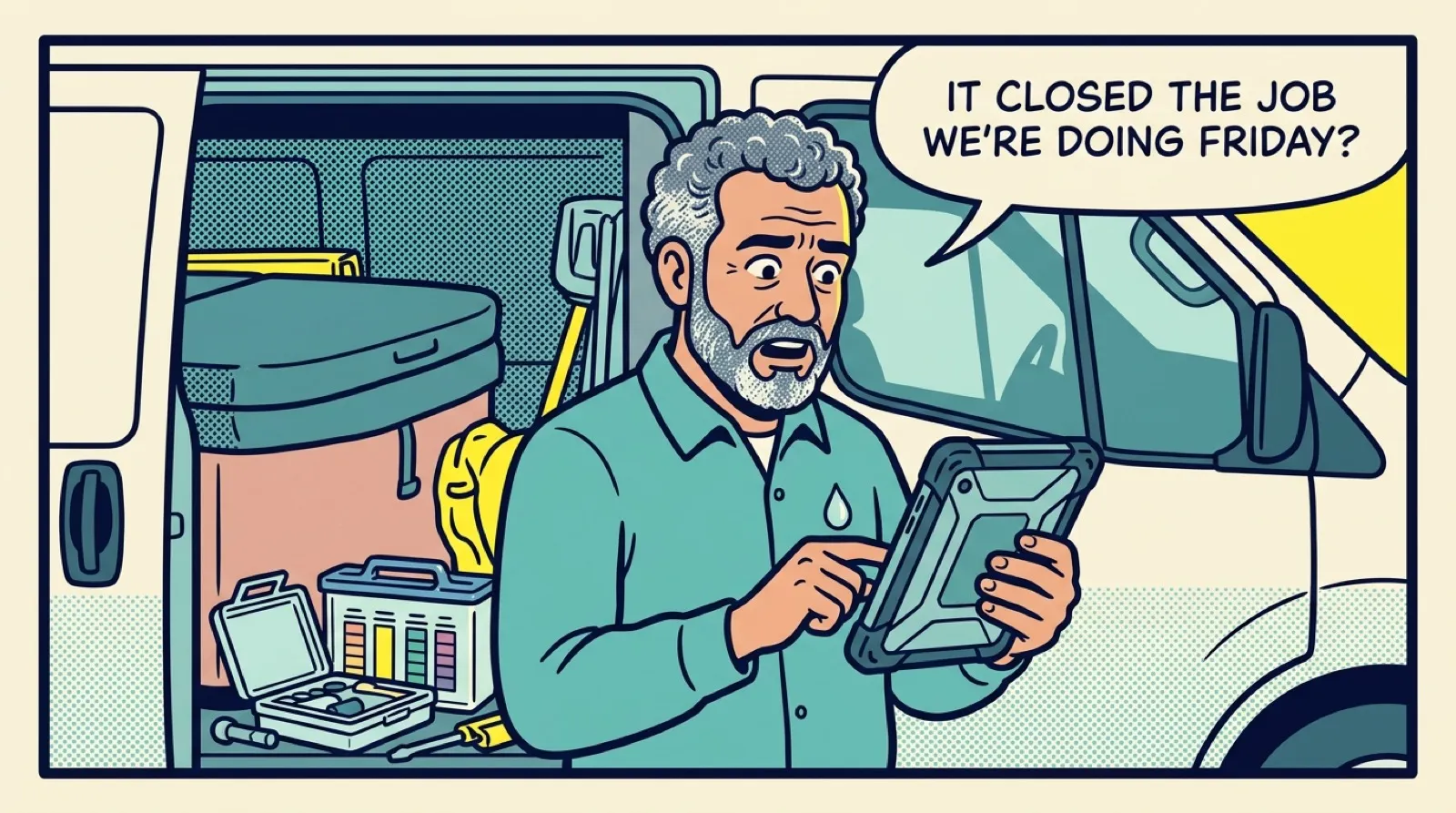
He tries it first on a copy of last year's data, as a test. The agent finds 140 deals that match. He picks 20 at random and checks them by hand. Most are truly dead. Three are not. Two are customers who booked their service by phone, and the booking lives in the scheduling tool, not the CRM. One is a deal where the customer replied by text to a technician's phone.
If the agent had run on the live CRM with no limits, those three customers might have had their deals closed, and one could have been dropped from a service visit. Scaled up, that might be twenty or more live customers across the whole list.
So he changes the setup. The agent can only propose closing a deal, never close it. It can't send any message. It proposes no more than 20 a day, and the office manager reviews the list each morning in about five minutes. He also adds a check to the agent's instructions: skip any deal with a booking date in the future. That catches the phone bookings, as long as staff record the date.
After a month, the pipeline is clean. Nothing was closed that shouldn't have been, and the owner has a clear picture of how often the agent's proposals are wrong. He keeps the approval step anyway, because it costs five minutes a day and closing a live deal costs much more.
When is an agent ready to act alone?
Some tasks may earn their way to step 4 over time. Before that, you should be able to say yes to all of these.
- The task fails none of the four questions from the last lesson, or you've accepted the risk in writing.
- You've tracked its proposals long enough to know how often it's wrong on your own work.
- Every action is logged and someone reads the log.
- There's a daily limit, and anyone can turn it off right away.
- Customers can reach a person easily.
If any of these is missing, keep the approval step.
Tip
Write the agent's job description as if for a new temp on their first day. Say what they may do, what they must never do and when to stop and ask. If it would confuse a person, it will confuse the agent too.
Key takeaways
- An agent takes steps by itself, so its mistakes can repeat across many records before anyone notices.
- Common failures are wrong records, jobs read too widely, hidden instructions, runaway costs and messages to customers.
- Set narrow jobs, limited actions, daily caps, a dedicated user, a log and a stop switch.
- Use propose then approve, and keep it unless the task has earned more freedom on your own data.
Common questions
Is an AI agent the same as an automation rule?
No. A rule does exactly what it says, every time, so you can read it to find out why it went wrong. An agent decides what a task means for each record, and it may decide differently on different days.
Can an AI agent email my customers?
Only if you allow it. Make it ask a person before anything reaches a customer or touches money, because if it can send messages, every mistake can reach a customer.
How do I stop an AI agent that is making mistakes?
Make sure anyone on the team can stop it right away. Keep a daily limit and a stop switch in place from the start.
Keep your place and test yourself
Enroll for free to save your progress, take the chapter quiz, and get a certificate when you pass every chapter. The lessons stay open to everyone either way.