

Chapter 11: Moving From Your Old System
A Test Run
Import a small, awkward sample first, check it closely, and fix what breaks. A test run costs an afternoon and can save you weeks of cleanup.
Lesson 4 of 6 · 6 min read ·
Never let your first import be your real import. Something will go wrong the first time, and that's fine, as long as it happens on 50 records you can throw away and not on thousands you can't.
A test run answers three questions. Does the data arrive correctly? Can people do their real work with it? And how long will the final import take?
Choose a small, awkward sample
Don't take the first 50 rows. Those will often be the tidiest. Pick records that are likely to cause trouble.
- The customer with the most history
- A company with several contacts
- A contact who works with two companies
- Names with accents, hyphens or apostrophes
- A record with a very long note
- An open deal, a won deal and a lost deal
- Someone on the do-not-contact list
- A record with blank fields
- A record with an attachment
- Each custom field, each status value and each owner
Fifty or so records chosen this way will teach you more than 5,000 picked at random. Choose records you know well, so you can spot what's wrong at a glance.
How do you undo a bad import?
Before you import anything, find out how to remove it. Some systems offer an undo for an import, and others make you delete records by hand. This is one reason to tag every batch. If the new system is still in trial, you can test the whole thing there. Coeffection, for example, has a free 14-day trial with no credit card, and many other vendors offer something similar. Confirm that what you do in a trial can be wiped or carried over, and don't load all your customers into it until you've read the terms.
What does the import report tell you?
Most import tools show a preview or a report: how many rows were accepted, how many were rejected, how many look like duplicates. Read it instead of clicking through. Decide how you want duplicates handled, and don't skip past the rejected rows. Each one is a lesson about your data.
What three things should you check?
Counts. If you sent 52 contacts, are there 52? Does the sum of deal values match the same sum in your spreadsheet? Adding up one money column is a very quick way to catch a badly mapped field.
Links. Open a few records and follow them. Does the contact sit under the right company? Does the deal show the right contact and owner? Do the notes appear on the right customer?
Values. Compare ten records side by side with the old system, field by field. Check dates, phone numbers, ZIP codes, amounts, accented names and long notes. Look for anything cut off.
| Check | How | Pass looks like |
|---|---|---|
| Counts | Compare rows sent with records created | The numbers match, or you can explain each gap |
| Money | Total the deal values in both systems | The totals match exactly |
| Links | Open records and follow them | Everything sits on the right customer |
| Values | Compare ten records by hand | Dates, numbers and names are correct |
| Opt-outs | Find each do-not-contact record | The status came across |
Can your team do real work with the test data?
A record can be correct and still be useless. Ask two people who will use the system to do a few real jobs on the test data, without your help.
- Find a customer by name while pretending they're on the phone.
- Tell me what we last said to this customer.
- Move this deal to the next stage and set a follow-up.
- Find every open quote from last month.
If they get stuck, you may have a mapping problem. You might also have a training need, but it's good to learn that now.
Example
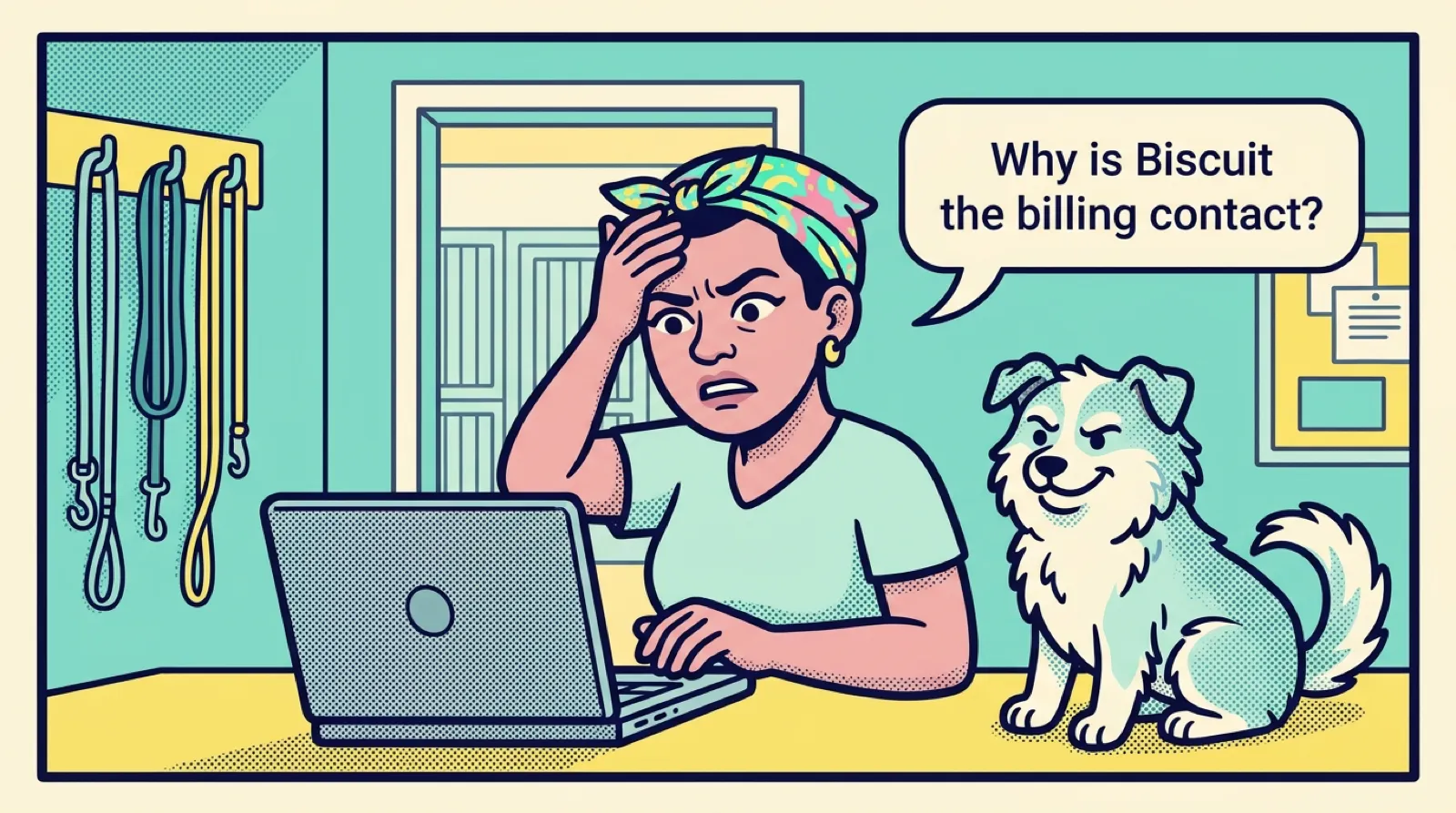
An invented example. A dog boarding kennel with eight staff imports 50 test records. The owner finds three problems in an hour.
The pet's name landed in the contact name field for some rows, because the old sheet had a column called Name and another called Client. Phone numbers lost their leading zero, because someone had opened and saved the file in a spreadsheet program. And deals dated in the first 12 days of a month had their day and month swapped.
She fixes the mapping, re-exports, and runs the same 50 again. The second run is clean, apart from a note that was cut off at the field's length limit, which she decides to accept. Those fixes took one afternoon. On the full file, the same faults would have touched most of her records.
Should you fix errors by hand in the new system?
When you find a problem, fix it in your mapping or your cleaned file, and not by hand in the new system. Your fix has to survive the final import. If you only correct records in the CRM, the same fault comes back when you load the rest.
Delete the test data and run it again until a run comes back clean. Two or three rounds are normal. Then, if your data is large, do a full rehearsal with everything, into a test area or a trial account if you can. Time it. That number tells you how long you'll need on cutover day, and big imports can take much longer than people expect.
What should a go or no-go list check?
Before you plan the real thing, write down what must be true for you to go ahead. Keep it short, and agree on it now, while nobody is tired or under pressure.
- Counts match, and you can explain any gaps
- Money totals match
- A spot check of ten records passes
- Links between records are correct
- Opt-outs came across
- Two team members completed the real tasks
- You know how long the import takes
- You know how to remove it if something goes wrong
Moves often slip here, and that's an acceptable result. A delay of a week costs far less than a bad import that your team stops trusting on the first morning.
Key takeaways
- Test with about 50 awkward records you know well, not the first 50 rows.
- Find out how to undo an import before you run one.
- Check counts, money totals, links and individual values, including opt-outs.
- Ask real users to do real jobs on the test data.
- Fix problems at the source, and repeat until the run is clean.
Common questions
How many records should a CRM test import use?
About 50, chosen to be awkward. Pick records you know well, such as a customer with a long history or someone on the do-not-contact list, rather than the first 50 rows, which are often the tidiest.
What if my CRM import goes wrong?
Find out how to remove an import before you run it. Tag every batch, so you can find and fix or remove everything in it if something goes wrong.
Can I test a CRM import in a free trial?
If the new system is still in trial, you can test the whole thing there. Confirm that what you do in a trial can be wiped or carried over, and read the terms before you load all your customers.
Keep your place and test yourself
Enroll for free to save your progress, take the chapter quiz, and get a certificate when you pass every chapter. The lessons stay open to everyone either way.