

Chapter 12: Keeping It Healthy
Reviewing Who Has Access
Your CRM holds your customer list, your prices and your pipeline. Here is how to decide who can see what, what to do when someone leaves, and a short review to run every quarter.
Lesson 2 of 6 · 6 min read ·
Think about what sits in your CRM: every customer, what they pay, what you quoted, who you're chasing. For many small businesses, it's the most valuable file they own. A competitor would love a copy, and a departing salesperson might be tempted to take one.
Most access problems aren't dramatic. Permissions pile up because someone needed something once, and a login stays alive because nobody remembered to close it. A short regular review is enough to deal with most of that.
How much access does each person need?
The basic idea is simple: each person gets the access their job needs, and no more. Security people call this least privilege. It protects against bad intent, but it mostly protects you from accidents. Someone who can't delete 500 records can't delete 500 records by mistake.
Most CRMs handle this with roles, a set of permissions you assign to a group of people. You rarely need many. Here's an invented example for a window cleaning company with 30 staff.
| Role | Sees | Can change | Can export |
|---|---|---|---|
| Technician | Customers on their route | Notes and tasks | No |
| Sales rep | Own leads and deals | Own records | No |
| Office staff | All customers | Most records | With approval |
| Manager | Their team's records | Team records | Team records |
| Finance | Customers, prices, invoices | Pricing | Financial reports |
| Admin | Everything | Everything, including setup | Everything |
Permission options vary widely between products, and detailed controls are often kept for higher plans. Check what your plan can really do. If it can't restrict something you care about, write that down as a known risk.
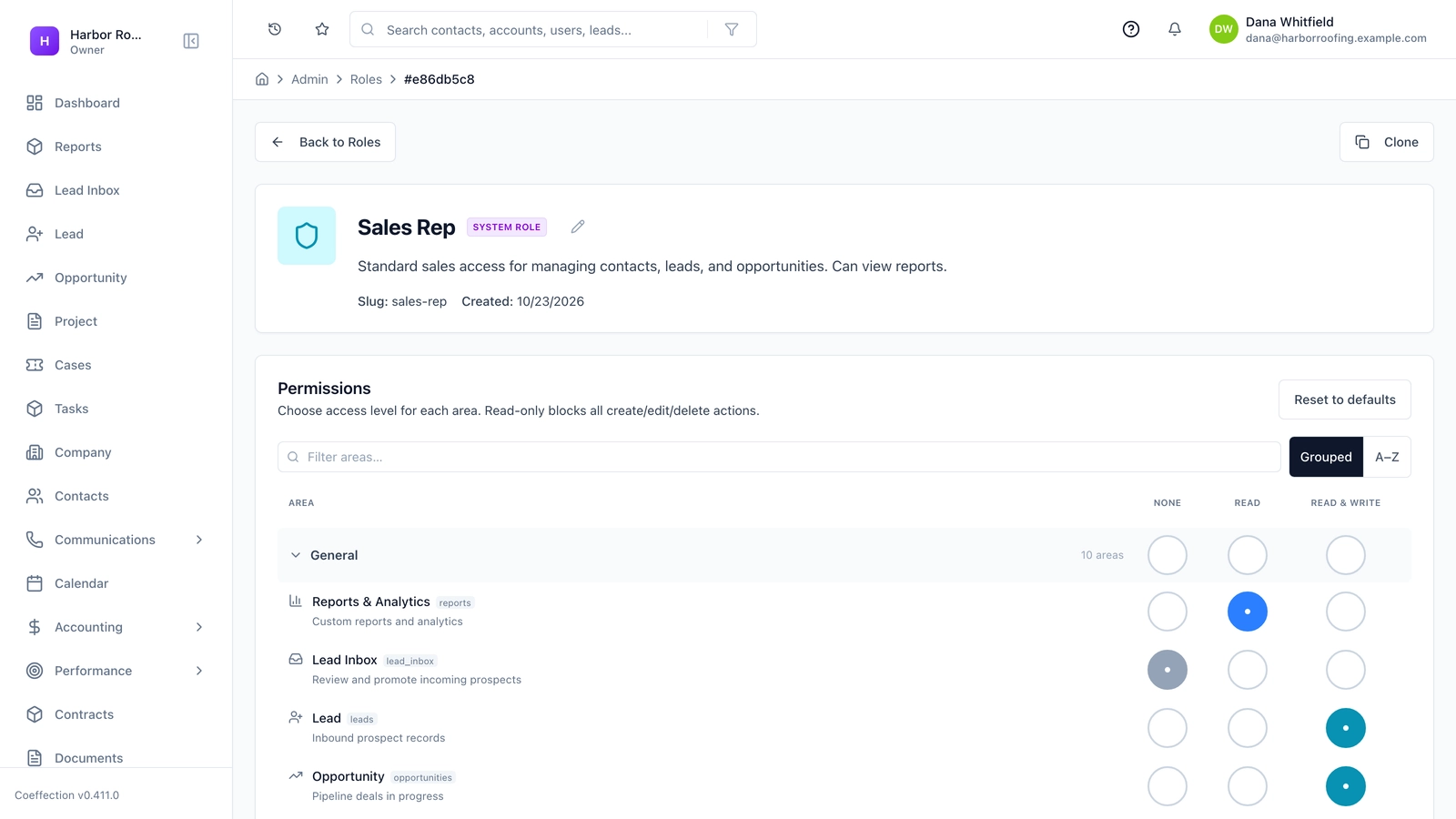
Which four permissions need a harder look?
Not all permissions carry the same risk, and four of them deserve a harder look.
Export. This is the power to take the whole customer list away in one file. Only a few people need it.
Bulk delete and bulk edit. A single mistake here can affect thousands of records. Keep it to people who are trained, and make sure you have a recent backup.
Admin. Admins can change the rules, including the permissions of others. Keep the number low, but have at least two, so you aren't stuck when one is away. Don't leave the only admin login with a single employee, and if an outside consultant set up your system, confirm that you own the admin account.
Connected apps. Tools linked to your CRM can often read and write your data. An old integration nobody remembers is an open door. List what's connected, and disconnect anything you no longer use.
What should you do when someone leaves?
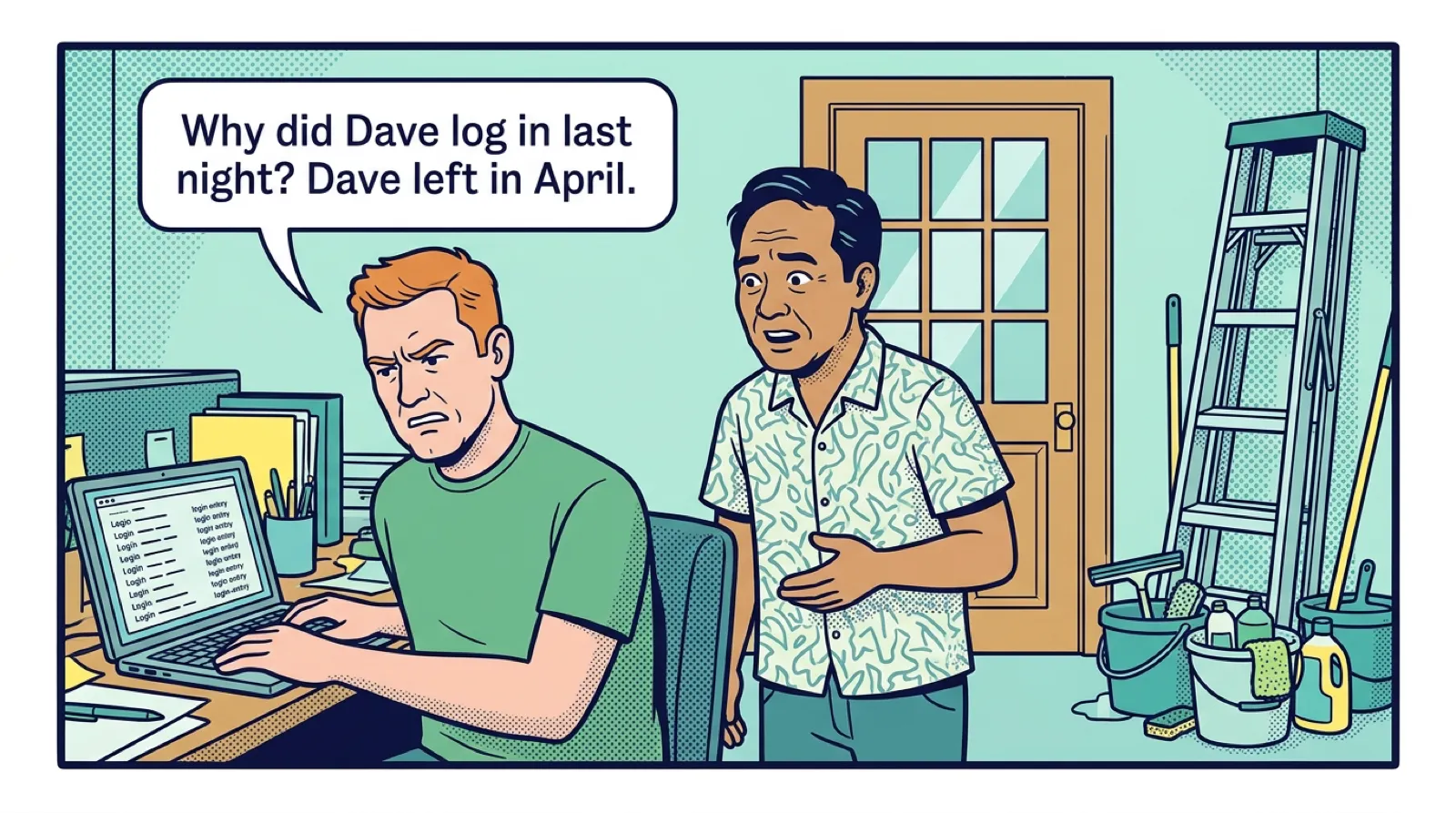
Departures are the part of access control that matters most, and worth writing down as a short routine. Close access the same day someone leaves. If the departure is difficult, do it before the conversation ends, not after.
- Deactivate their CRM login the same day
- Sign them out of phones and tablets if your CRM lets you
- Reassign their open deals, tasks and contacts to a named person
- Check that any automations or connected apps weren't tied to their account
- Stop or redirect their mailbox so customer replies aren't lost
- Remove their seat, so you stop paying for it
- Review any large export they ran recently, if your CRM logs that
Deactivate rather than delete, where you can. Deleting a user can remove or orphan the history attached to them. A deactivated user keeps the record intact, and in many products no longer uses a paid seat, though you should check how yours treats it.
Temporary people need the same care. Contractors, seasonal staff and outside consultants often keep access long after the work ends. Give them an end date when they start, and put it in the calendar.
How do you run a quarterly access review?
Every three months, set aside 30 minutes for an access review. Pull a list of all users, with their roles and last login dates, and go through it with someone who knows the team.
- Does each active user still work here?
- Does each person's role match their current job?
- Has anyone not logged in for 60 days? Do they need a seat?
- Is the list of admins still short and correct?
- Who can export? Is that list still right?
- Which apps and integrations are connected? Are they all in use?
- Does anyone share a login?
People change jobs inside a company too. A rep promoted to manager gets new access, but old access rarely gets removed. Over time, long-serving staff collect far more rights than they need. Reviewing roles rather than individuals keeps that under control.
Example
An invented example. The window cleaning company runs its first quarterly review and finds three things in half an hour. Two seasonal technicians from last summer still have logins. An office assistant has admin rights, from a week when she set up a report. A scheduling tool they tried for a month is still connected. They remove all three, and they save the cost of two seats.
Good login habits
Access reviews work best when logins themselves are sound. None of this takes much effort.
- No shared logins. You lose all record of who did what.
- Two-step sign-in. A code from a phone or an app, on top of a password. Turn it on if your plan has it, starting with admins.
- Single sign-on, if you already use Google or Microsoft work accounts. It can mean closing one account closes them all, but check which plans include it.
- A password manager. It helps people avoid reusing passwords, which is one of the common ways accounts get broken into.
Watch out
Be careful with phishing. A fake login page for a business tool can look real. If an email asks someone to sign in to the CRM urgently, tell them to go to the site directly instead of clicking the link. Make sure people know it's fine to ask first.
Fair, not suspicious
You don't need to treat your team as a threat. Tell them why roles exist: to protect customers, to prevent accidents, and to keep things simple. Good people rarely object to a system that also protects them from being blamed if something goes wrong.
Also remember that customer data carries legal duties in many places, particularly if there's a breach. Ask your adviser what applies to you, and keep a short note of who to call if an account is broken into.
Key takeaways
- Give each person what their job needs, using a few simple roles.
- Watch four powers closely: export, bulk changes, admin and connected apps.
- Close access the same day someone leaves, and reassign their work.
- Run a 30-minute review every quarter, using a list of users, roles and last logins.
- Avoid shared logins, and turn on two-step sign-in, starting with admins.
Common questions
What is least privilege in a CRM?
It means each person gets the access their job needs, and no more. It mostly protects you from accidents, such as someone deleting 500 records by mistake.
Which CRM permissions carry the most risk?
Export, bulk changes, admin rights and connected apps deserve the closest look. Keep each to people who need it, and disconnect any app you no longer use.
What should I do when someone leaves my team?
Deactivate their CRM login the same day, and reassign their open deals, tasks and contacts to a named person. Deactivate rather than delete, where you can, since deleting a user can remove or orphan their history.
Keep your place and test yourself
Enroll for free to save your progress, take the chapter quiz, and get a certificate when you pass every chapter. The lessons stay open to everyone either way.