
- meetings
- quoting
- product-update
- integrations
Find the Moment, Not the Meeting
This week: jump straight to the moment in a recorded call, quotes that match how you actually sell, and a few smaller things that add up.

Somebody on your team remembers a customer saying something important on a call. Maybe it was about budget, maybe it was a promise about a delivery date. Nobody remembers exactly when, only that it happened somewhere in a forty five minute recording. So they drag the scrubber back and forth, guessing, listening to five seconds at a time, hoping to land close enough to catch it before they have to start over.
That's over now.
Click the line, hear the moment
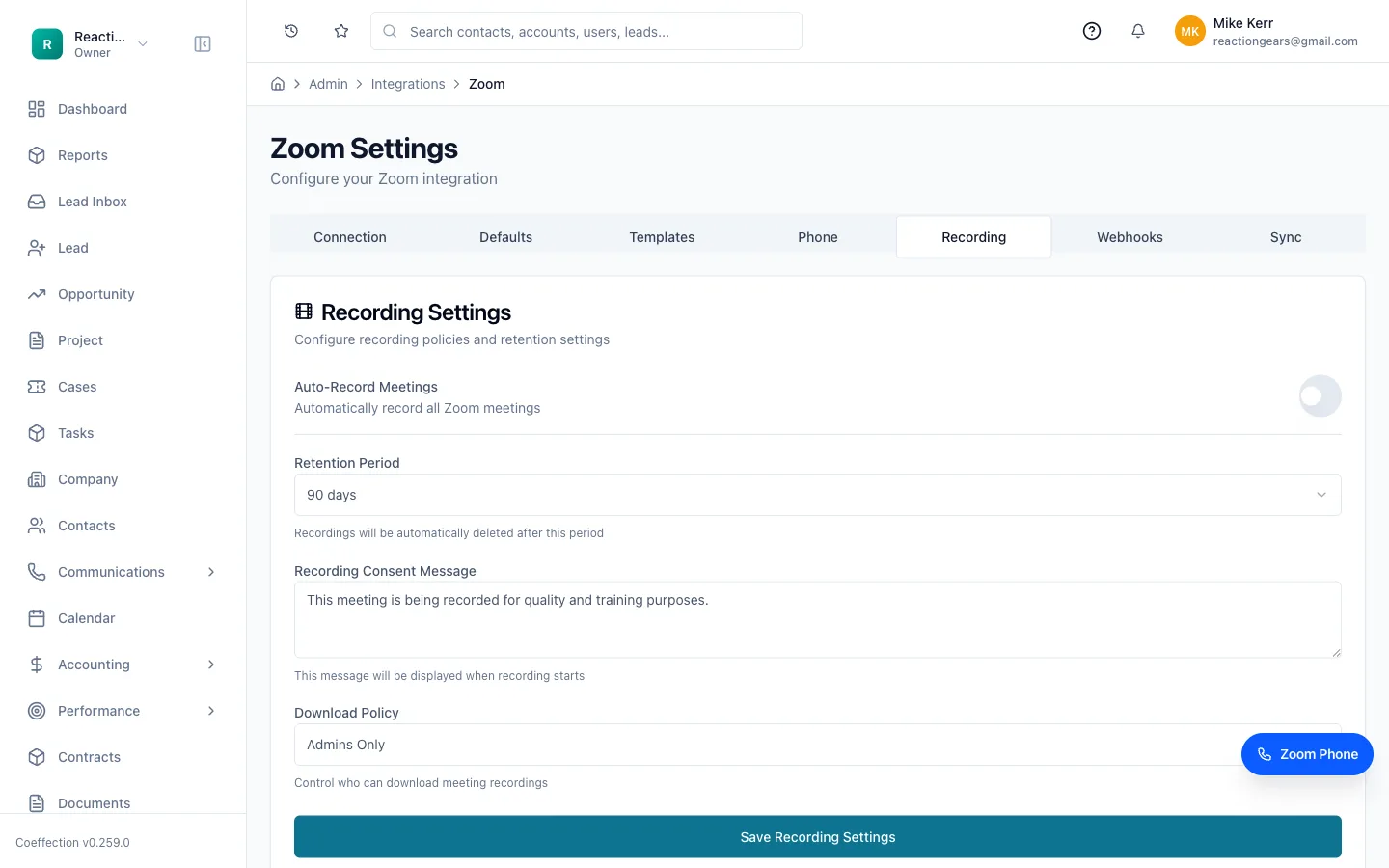
Every recorded meeting in Coeffection now keeps the recording, the transcript, and the summary together on one page. Read through the transcript, find the line where the customer actually said the thing, and click it. The recording jumps straight to that second and starts playing. No more scrubbing, no more guessing, no more listening to the first ten minutes of small talk to find the part that matters.
Recent calls, and the ones you've flagged as favorites, now surface right where you're already looking, so you don't have to go dig through a separate meetings tab to find the call from last Tuesday. Open a contact or an account and the meeting is right there, with everything that was said in it sitting a click away.
Quotes that read the way you actually sell
A quote is supposed to make it easy for a customer to say yes. This week's updates are about giving you more control over how that quote looks and behaves, so it matches the way your team actually talks about pricing instead of some generic default.
You can now choose which columns show up on a quote's line items and put them in whatever order makes sense for your customers. If they care about quantity and unit price but not some internal code, leave the code off. Add a new line to a quote and enter a cost, and Coeffection now applies your default markup automatically, so nobody has to remember to type the margin in by hand every single time.
On the customer-facing document itself, related line items can now roll up into groups instead of listing every component separately. So a customer sees "Channel Letter Sign" as one line with one clear price, instead of eight lines of parts and labor that make a simple job look complicated.
A few smaller things worth knowing
A new Rate Tables page makes it easier to see and manage the pricing tables that drive your quotes, including deleting old ones and building new pricing matrices without digging through menus to find them.
If you invoice through QuickBooks, tax on a quote now reflects a live calculation instead of showing zero until the invoice is created, so what your customer sees on the quote is closer to what they'll actually be charged. And if you've connected QuickBooks or Slack, the integrations page now shows the real, current status of that connection instead of a stale checkmark that doesn't tell you anything.
The Help page also got a redesign this week, with clearer screenshots and a layout that's easier to scan when you're trying to find an answer fast instead of reading a wall of text.
None of these are the kind of thing that makes a big announcement on their own. They're the kind of thing that saves you two minutes here, avoids one awkward conversation with a customer there, and quietly adds up over a month of actually using the product. That's the idea behind all of it: less digging, less guessing, and more time spent on the parts of the job that need a person.